PluginsAppsPricingConsultingAboutBlog (opens andrewbaker.ninja in a new tab)Help Get in touch
๐Ÿ‘120views

← CloudScale Plugin Help

Free

CloudScale Backup & Restore, Free WordPress Backup Plugin with One-Click Restore & Cloud Sync
Use CloudScale Backup & Restore free with your own storage (Amazon S3 or any S3-compatible service, Google Drive, Dropbox, Microsoft OneDrive, or your own SFTP, FTP or WebDAV server). Full one-click restore, scheduled backups by day and time, database-only backups, EC2 AMI snapshots, and pre-update snapshots are all included at no cost. Other free backup plugins keep extras such as several clouds at once, OneDrive, encryption or WP-CLI for their paid tiers. CloudScale includes them all in the free plugin. No cloud account? Use CloudScale Managed Cloud at $5/month, stored securely on AWS in the region nearest your site, or one you choose, across six continents.

⬇ Download (.zip)⭐ WordPress.org
Documentation sections
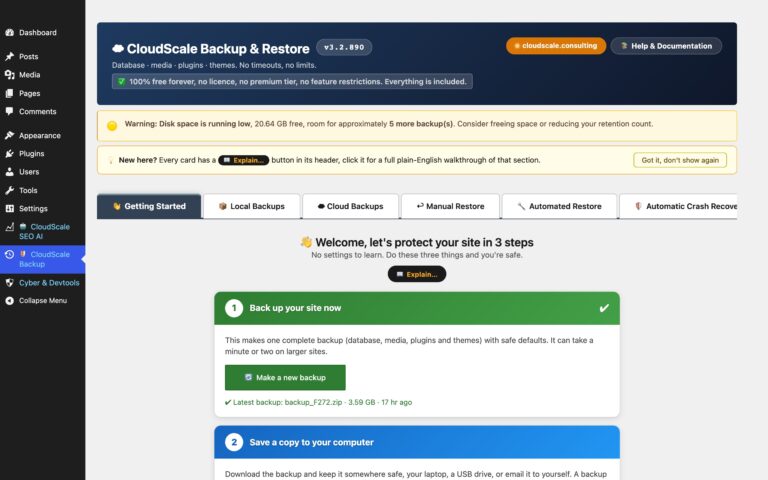
  1. 01Getting Started
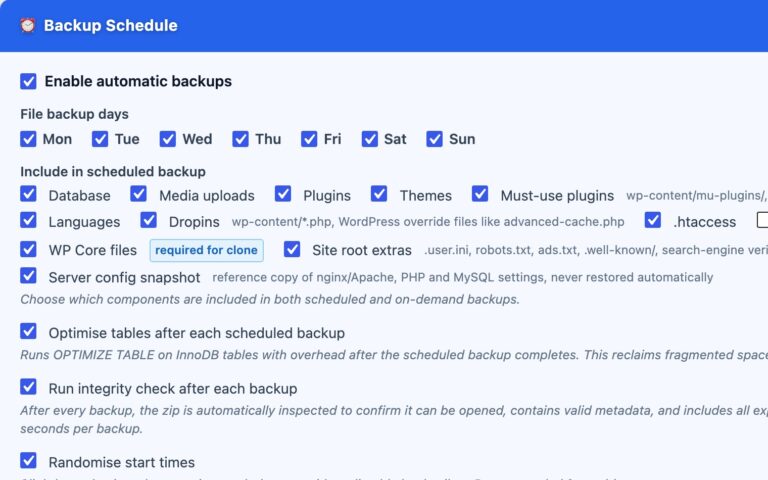
  2. 02Backup Schedule & Run Now
  3. 03Local Backup History
  4. 04Restore
  5. 05Restore from Uploaded File
  6. 06Restoring a Hacked Site (Protected Mode)
  7. 07Backup Signing and Security
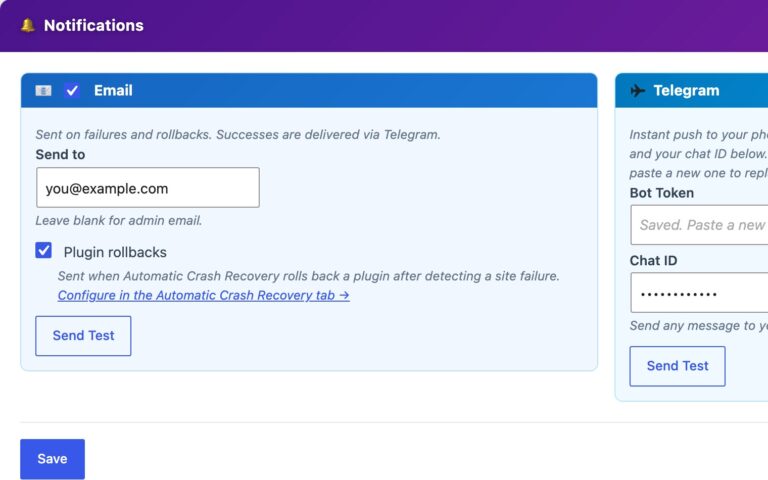
  8. 08Notifications
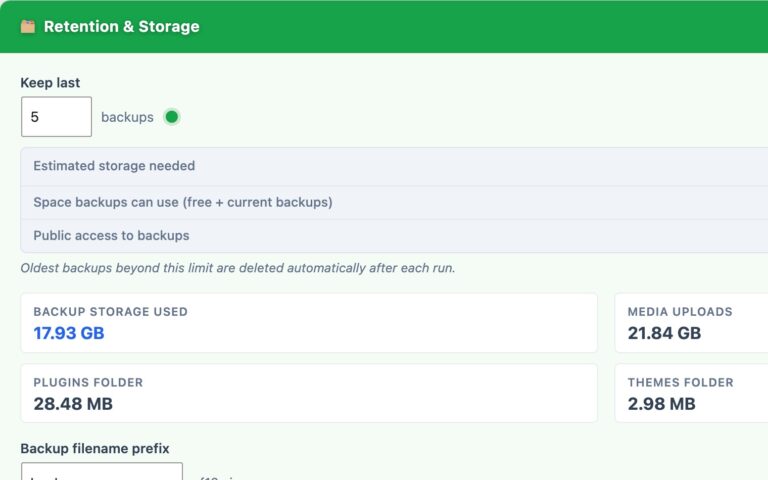
  9. 09Retention & Storage
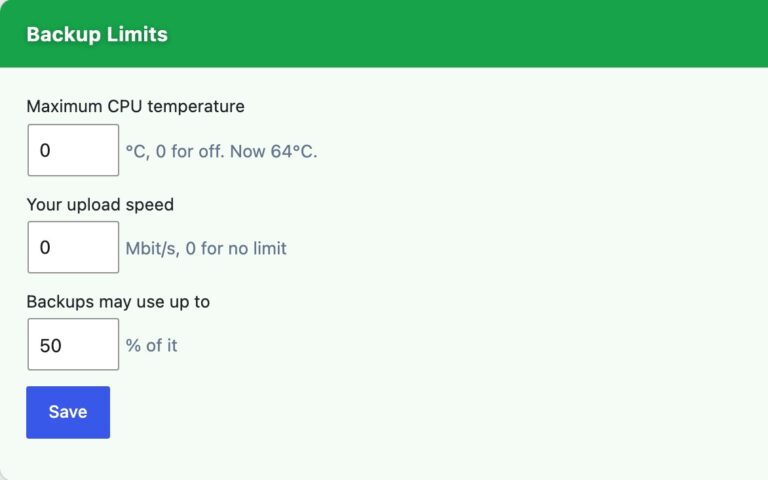
  10. 10Backup Limits (backoff protection)
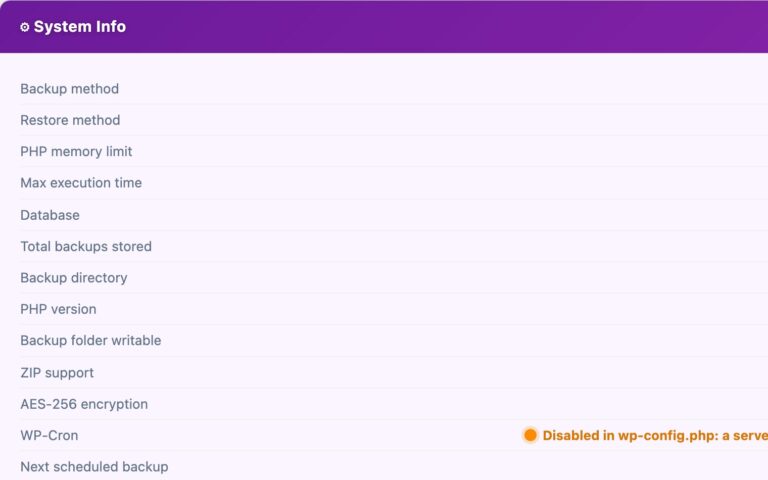
  11. 11System Info
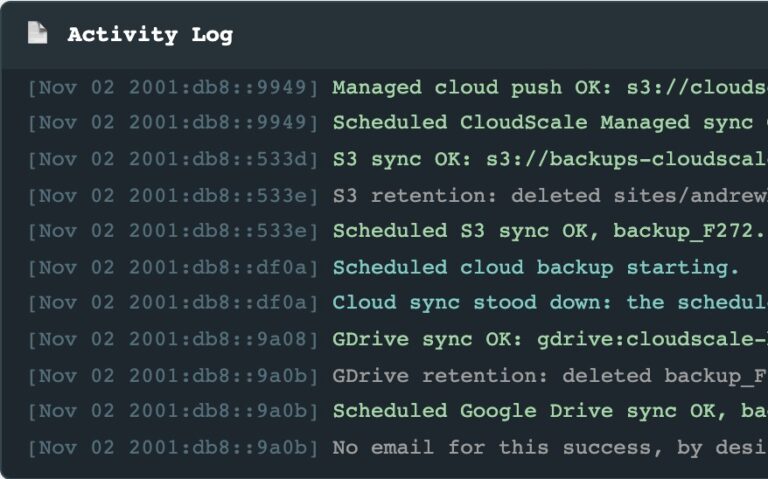
  12. 12Activity Log
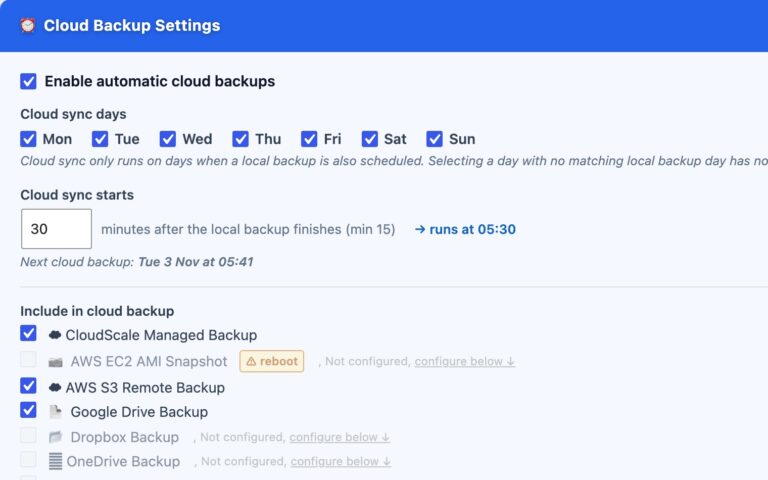
  13. 13Cloud Backup Settings
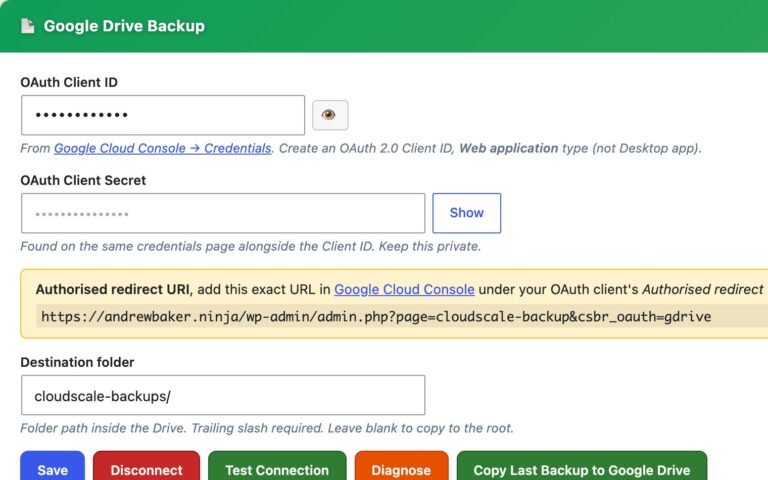
  14. 14Google Drive
  15. 15Dropbox
  16. 16Microsoft OneDrive
  17. 17AWS S3 and S3-compatible
  18. 18SFTP / FTP Server
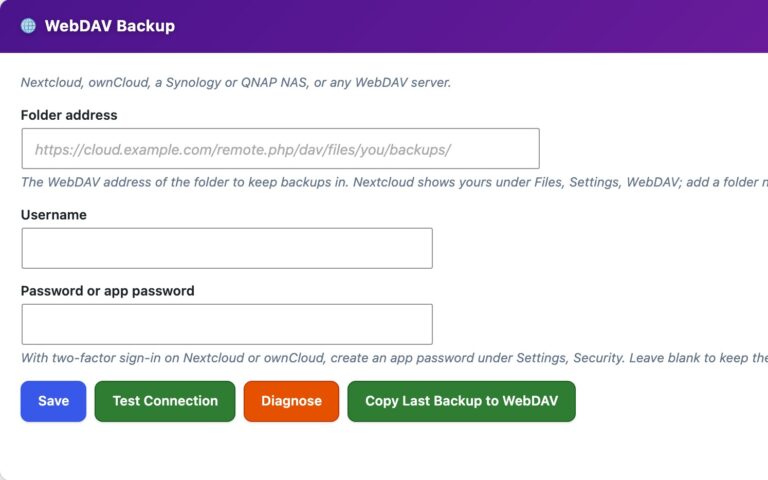
  19. 19WebDAV (Nextcloud, NAS)
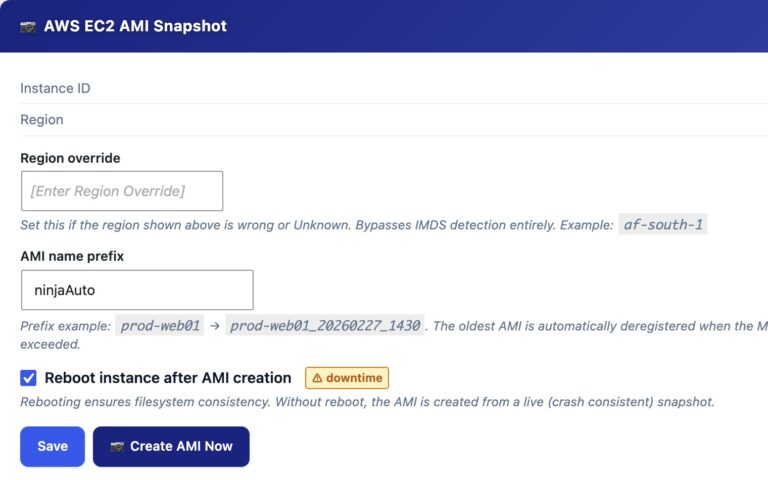
  20. 20AWS EC2 AMI Snapshot
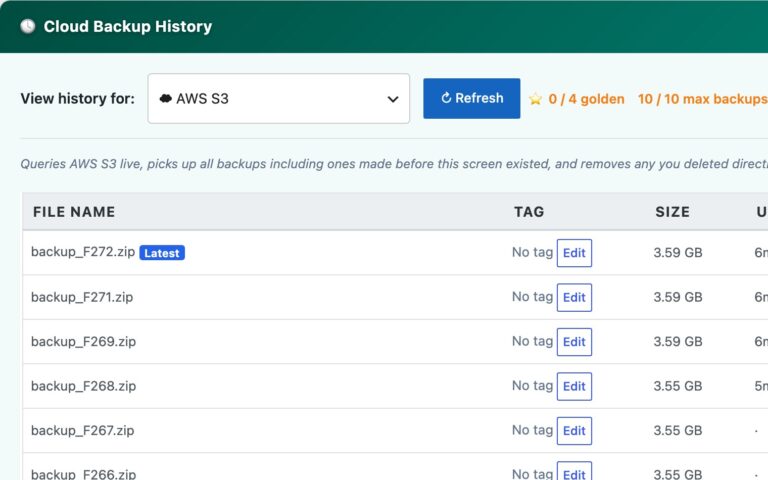
  21. 21Cloud Backup History
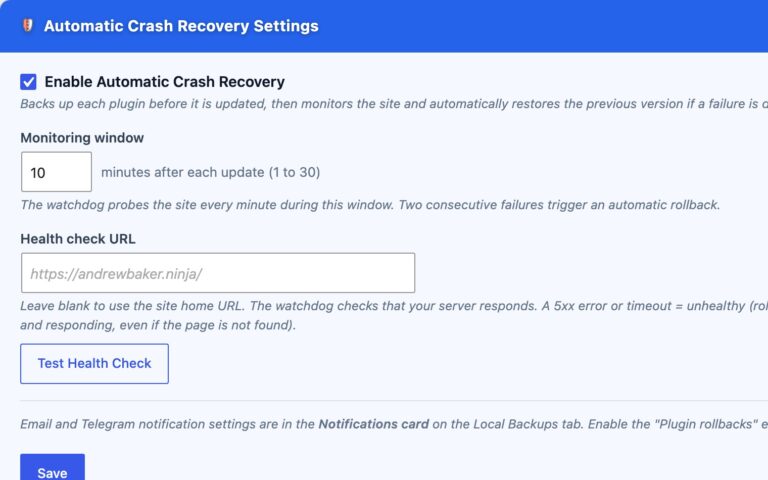
  22. 22Automatic Crash Recovery
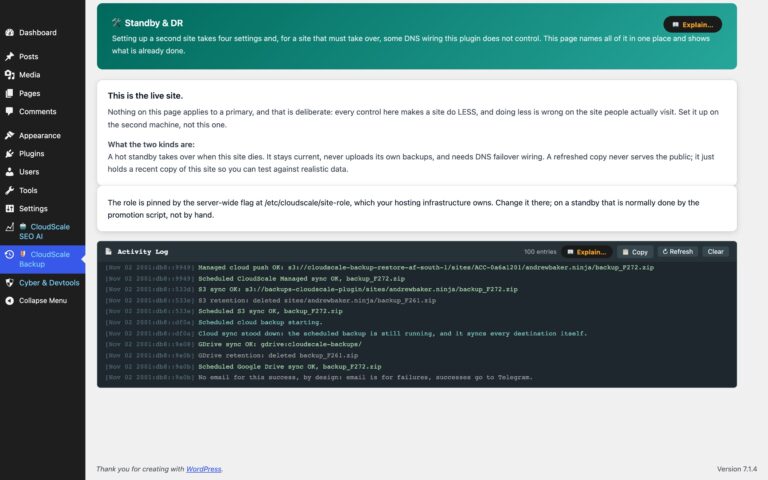
  23. 23Standby & DR (second site setup)
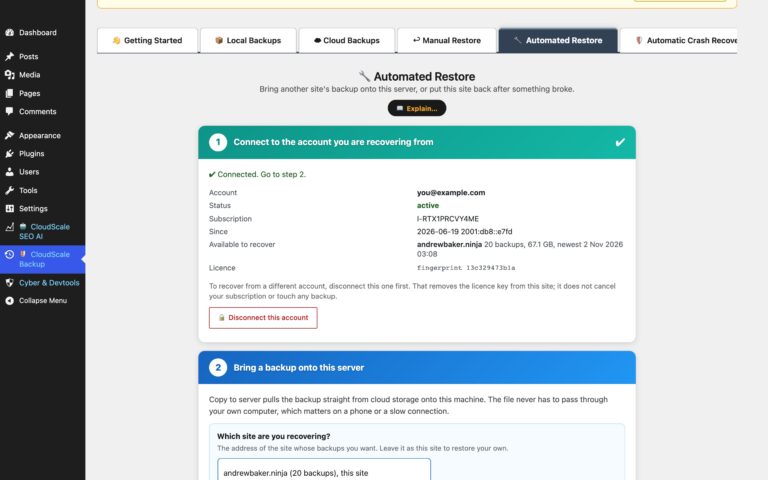
  24. 24Automated Restore (warm standby)
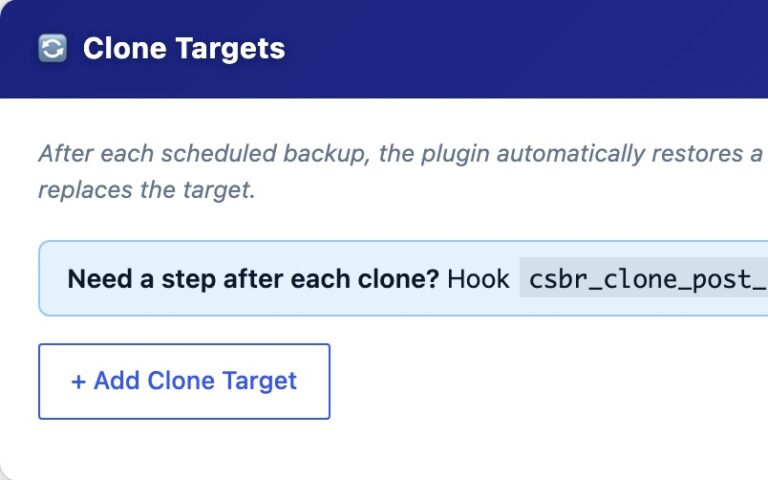
  25. 25Clone to a Staging Site

Free with Your Own Cloud ยท Full Restore Included ยท Managed Cloud ยท $5/month

Free backup and restore, with the extras other plugins charge for.

UpdraftPlus, Duplicator and All-in-One WP Migration all have good free versions, but the extras cost money: sending to several clouds at once, OneDrive, encryption, WP-CLI or scheduling usually needs a paid tier. UpdraftPlus Premium starts at $70/year. CloudScale Backup & Restore is free to use with your own cloud storage. Bring your S3 (or R2, B2, Wasabi, DigitalOcean Spaces, Google Cloud Storage, Hetzner, MinIO), Google Drive, Dropbox, OneDrive, SFTP, FTPS, FTP or WebDAV credentials and pay nothing. Full restore, scheduled backups, AMI snapshots, and pre-update snapshots are all included. If you don’t have your own cloud environment, you can use CloudScale Managed Cloud at $5/month, stored securely on AWS in the region nearest your site, or one you choose, across six continents.

โœ“ Full restore included โœ“ S3 and S3-compatible (R2, B2, Wasabi, Spaces, Google Cloud, Hetzner, MinIO) โœ“ Google Drive, Dropbox, OneDrive โœ“ SFTP, FTPS, FTP and WebDAV โœ“ EC2 AMI snapshots โœ“ Pre-update snapshots โœ“ Clone to staging โœ“ Recovery from a hack โœ“ Signed backups โœ“ Backoff protection for CPU heat and bandwidth โœ“ Managed Cloud in 10 regions, $5/month

Where your backups can go

Any of these, several at once. Every cloud and own-server destination gets the same retention, resumable transfers, one-click restore and Automated Restore; an AMI snapshot is restored as a whole server from its own card. Click one for step-by-step setup.
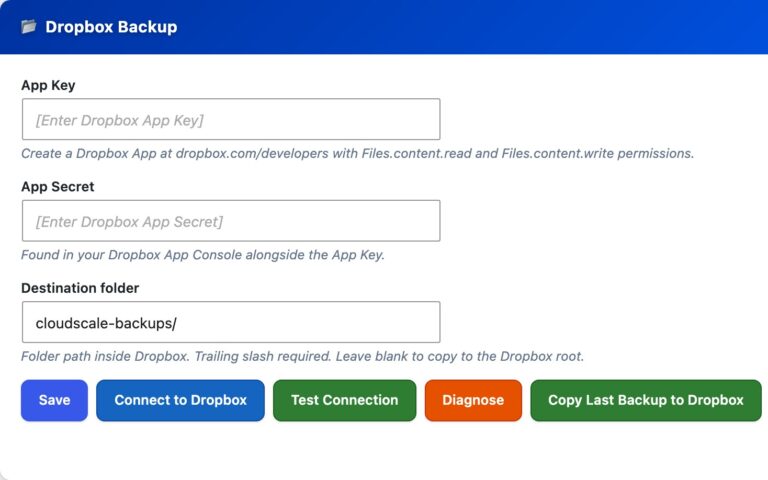
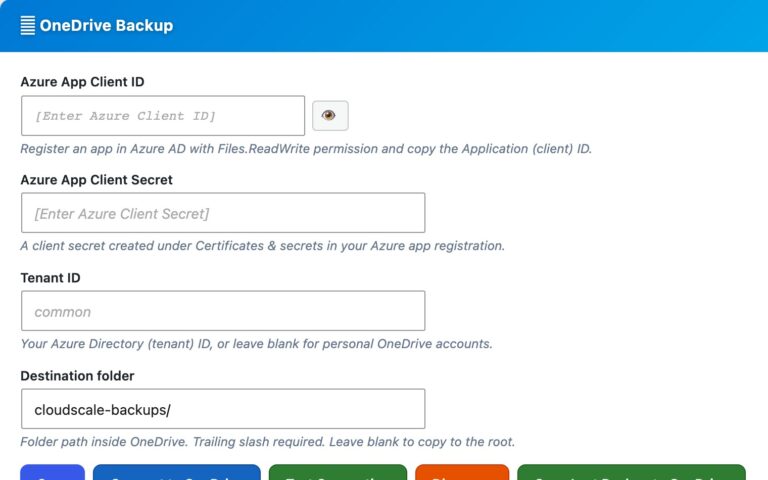
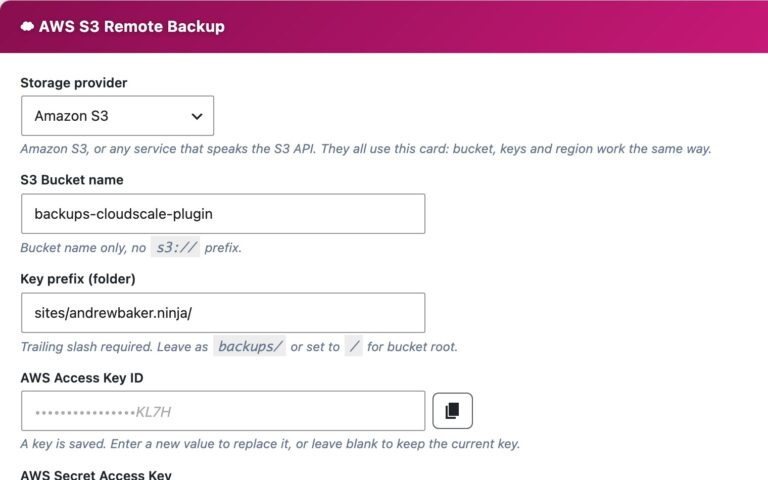
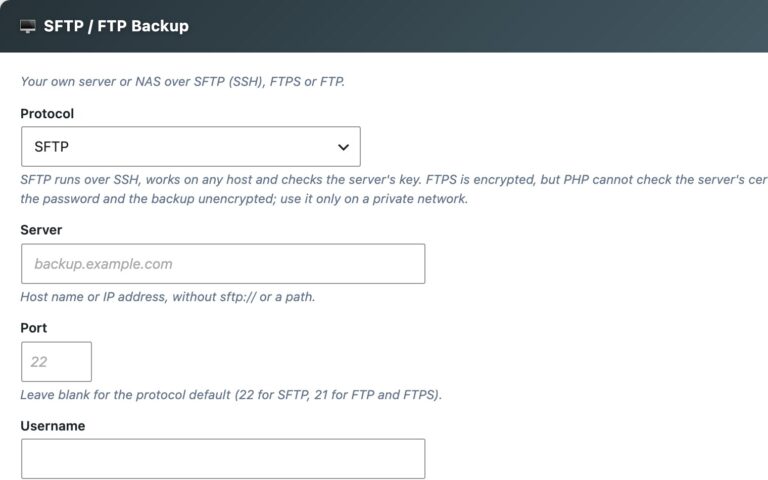
CloudScale Managed CloudNothing to set up. Ten AWS regions on six continents; the nearest is picked for you. $5/month for 750 GB. Amazon S3Your own bucket, with access keys or an EC2 instance role. S3-compatible storageCloudflare R2, Backblaze B2, Wasabi, DigitalOcean Spaces, Google Cloud Storage, Hetzner, MinIO, or any other through a custom endpoint. Google DriveYour own Drive, connected with OAuth. DropboxYour own Dropbox, connected with OAuth. Microsoft OneDrivePersonal or business OneDrive, connected with OAuth. SFTP, FTPS or FTPA VPS, NAS or hosting account you run. SFTP is built in. WebDAVNextcloud, ownCloud, Synology, QNAP or any WebDAV folder. Amazon EC2 AMI snapshotsA full machine image of an AWS-hosted server, beside your file backups. This serverEvery backup is kept in a protected folder on your own server first, ready to download or restore.

CloudScale vs other backup plugins

Other plugins CloudScale
✗Several clouds at once, OneDrive and encryption are paid extras ✓Full restore, all destinations at once and AES-256 encryption, free
✗Free cloud destinations vary, some need paid extensions ✓S3 and S3-compatible, Google Drive, Dropbox, OneDrive, SFTP, FTPS, FTP and WebDAV (all free in the plugin)
✗No server-level snapshot, only file/DB backups ✓EC2 AMI snapshots for full server recovery
✗No automatic rollback when a plugin update breaks the site ✓Automatic snapshot before every plugin/theme update
✗Some, such as BlogVault, have no free plan at all. ✓Free to use with your own cloud. Only pay if you want CloudScale Managed Cloud.
✗Backup plugin licence only. Hosting sold separately. ✓No cloud account? Use CloudScale Managed Cloud at $5/month, stored securely on AWS in the region nearest your site, or one you choose, across six continents.

All Sections

Getting Started

View section →

Backup Schedule & Run Now

View section →

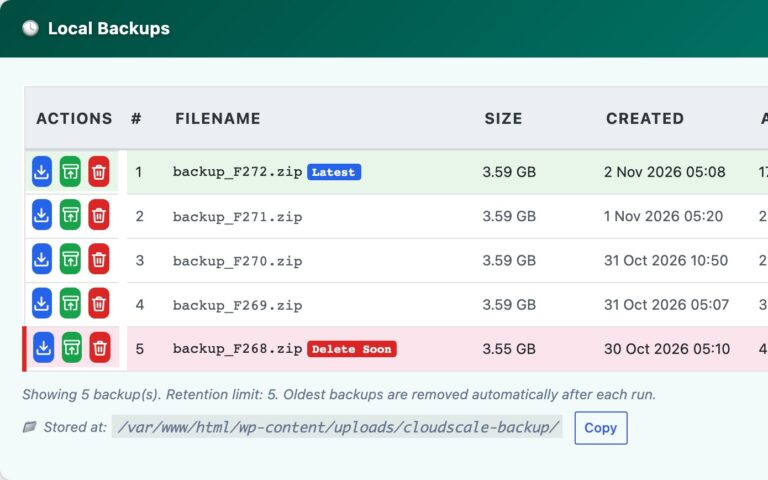
Local Backup History

View section →

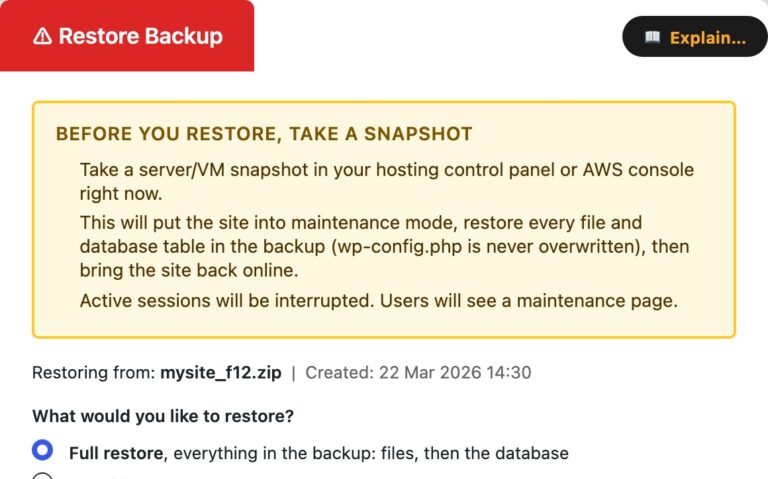
Restore

View section →

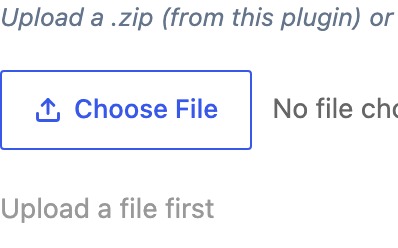
Restore from Uploaded File

View section →

Restoring a Hacked Site (Protected Mode)

View section →

Backup Signing and Security

View section →

Notifications

View section →

Retention & Storage

View section →

Backup Limits (backoff protection)

View section →

System Info

View section →

Activity Log

View section →

Cloud Backup Settings

View section →

Google Drive

View section →

Dropbox

View section →

Microsoft OneDrive

View section →

AWS S3 and S3-compatible

View section →

SFTP / FTP Server

View section →

WebDAV (Nextcloud, NAS)

View section →

AWS EC2 AMI Snapshot

View section →

Cloud Backup History

View section →

Automatic Crash Recovery

View section →

Standby & DR (second site setup)

View section →

Automated Restore (warm standby)

View section →

Clone to a Staging Site

View section →