← CloudScale Plugin Help/CloudScale Backup & Restore, Free WordPress Backup Plugin with One-Click Restore & Cloud Sync
System Info
On a phone
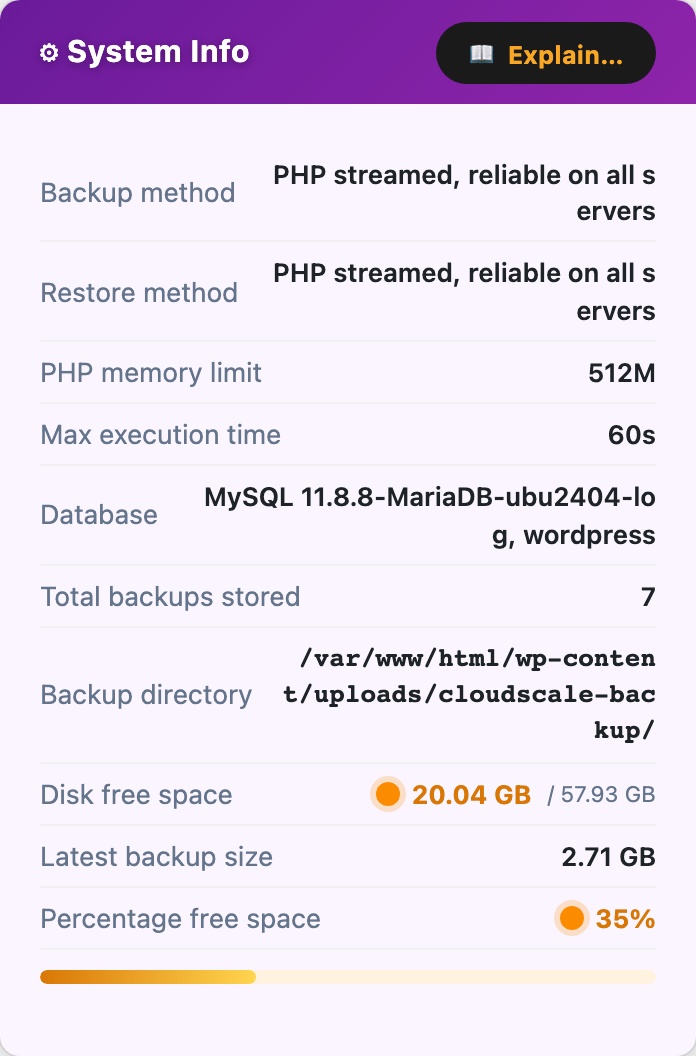
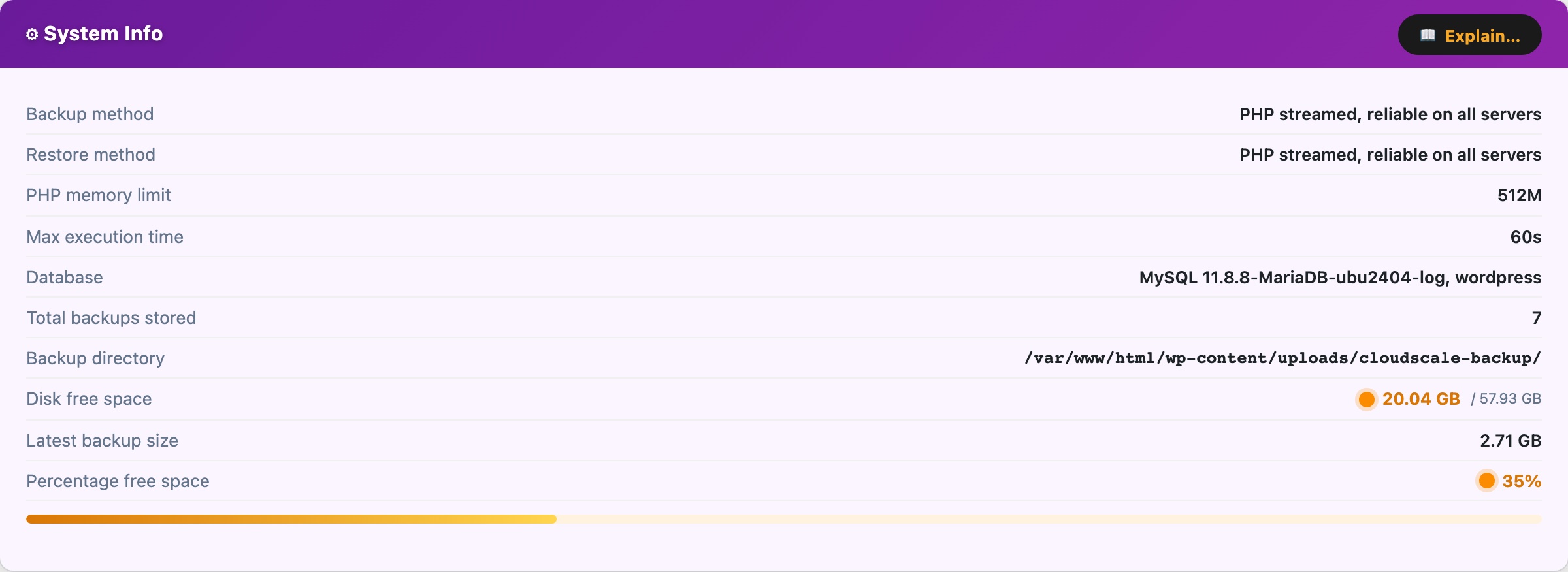
The same panel at 390px, showing how it reflows. Cropped to the first screens.
The System Info card (purple) displays read-only diagnostics about your server environment. Use this to confirm the plugin can create backups correctly before relying on automated schedules.
- Backup method, mysqldump (binary) when the binary is found on
$PATH, or PHP (PDO) as a pure-PHP fallback.mysqldumpis faster and more reliable for large databases. - Restore method, mysql (binary) or PHP PDO fallback.
- PHP memory limit, current
memory_limitfromphp.ini. Large sites may require 256M or more for the zip operation to complete. - Max execution time, current
max_execution_time. Shown as “Unlimited” when set to0. For sites with >1 GB of uploads, set this to at least 300 seconds to prevent timeouts. - Database, MySQL / MariaDB version string.
- Total backups stored, count of
.zipfiles currently in the backup directory. - Backup directory, full filesystem path to
wp-content/cloudscale-backups/. - Disk free space, free space with a traffic-light indicator: green (>20% free), amber (10 to 20%), red (<10%).
- Latest backup size, used as the baseline for the storage estimate in the Retention card.
- Percentage free space, graphical disk bar showing used vs free space.