Why Your WordPress Analytics Are Lying to You
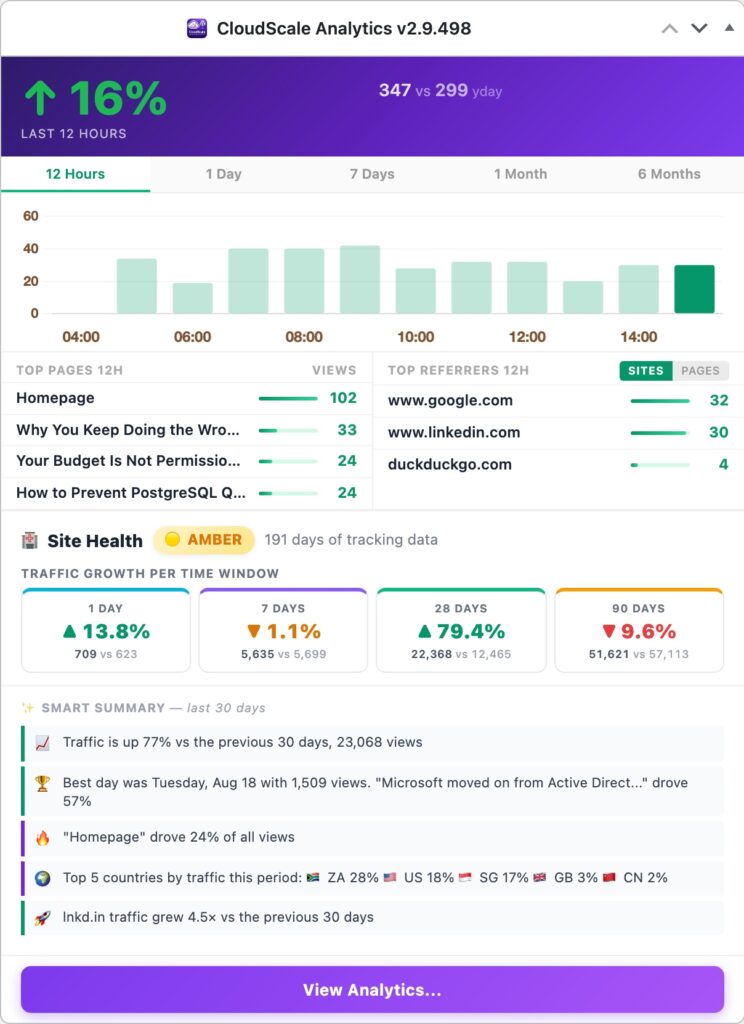
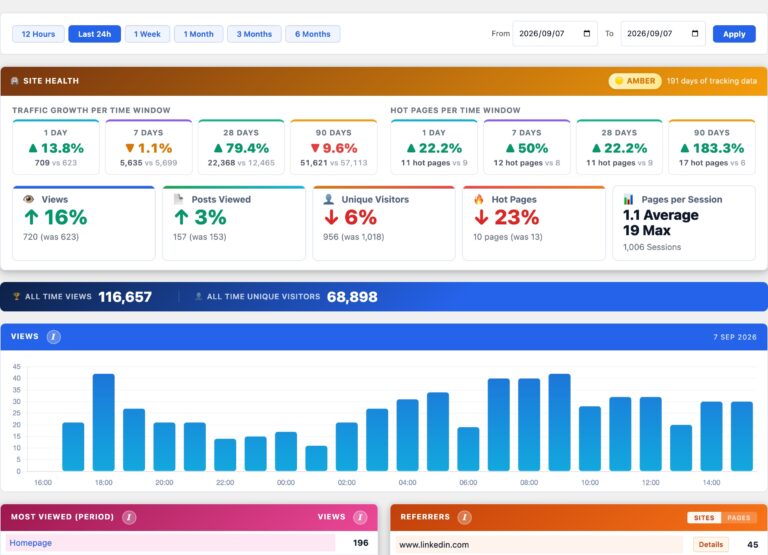
If your site runs behind Cloudflare, WP Rocket, or any caching plugin, server-side analytics see only the 5 to 20% of requests that reach PHP. The other 80 to 95% are served directly from cache and never counted. CloudScale fixes this with a JavaScript beacon that fires after the browser loads the page, regardless of where the HTML came from. Every real visit is counted.
| Feature | Google Analytics | Jetpack Stats | Server-side counters | CloudScale |
|---|---|---|---|---|
| Works behind Cloudflare/CDN | ✓ | ✗ | ✗ | ✓ |
| Data stays on your server | ✗ (Google) | ✗ (Automattic) | ✓ | ✓ |
| No cookie consent banner needed | ✗ | ✗ | ✓ | ✓ |
| View counts in posts list | ✗ | ✗ | ✗ | ✓ |
| Free, no subscription | Paid tiers | Paid tiers | ✓ | ✓ |
| Top pages per referrer drill-down | Custom reports | ✗ | ✗ | ✓ |
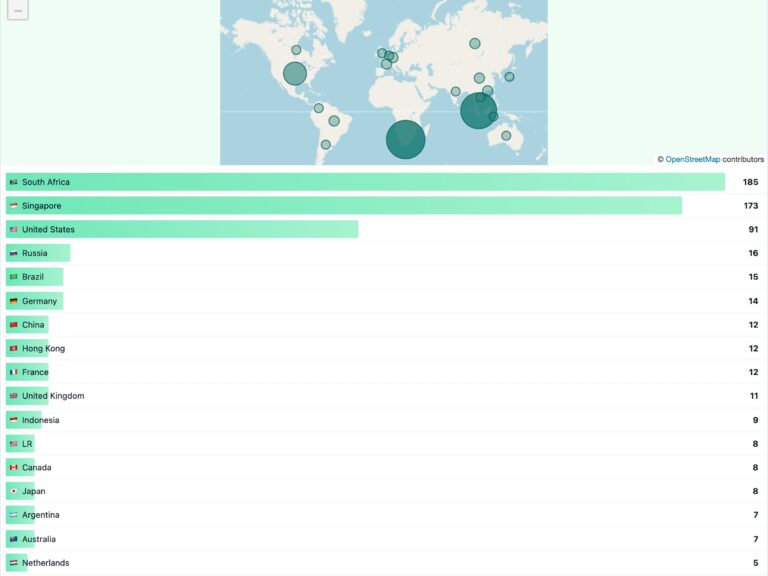
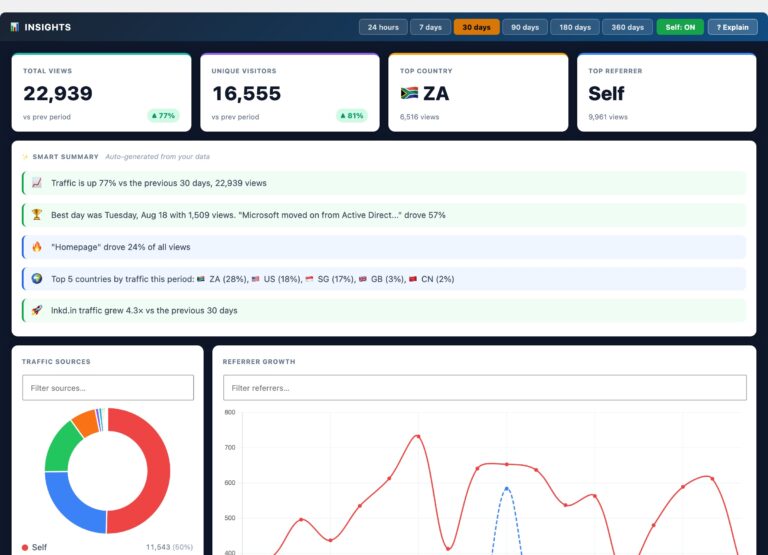
| Geography / country tracking | Requires consent | ✓ | ✗ | ✓ |
| 404 error log | Custom setup | ✗ | Log files only | ✓ |
| No external scripts loaded | ✗ (Google CDN) | ✗ (wp.com) | ✓ | ✓ |
| Open source | ✗ | ✗ | Varies | ✓ |
Setup checklist (5 minutes):
- Download and install the plugin: grab the zip from S3 (direct download) or clone from GitHub, then upload via Plugins → Add New → Upload Plugin. The beacon starts counting immediately on activation.
- Cloudflare Cache Rule: in your Cloudflare dashboard, create a Cache Rule: URI Path contains
/wp-json/cloudscale-site-analytics/, Cache Status: Bypass. This is the critical step for CDN-accurate counting. - Test Cache Bypass: click the button on the Statistics tab to confirm the Cloudflare rule is working. A green badge means every visit will be counted.
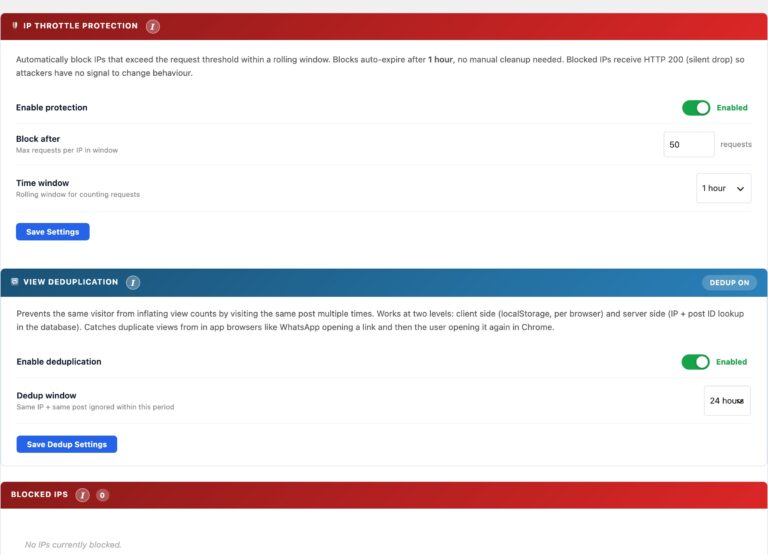
- IP Throttle: enable bot protection and configure your deduplication window so repeat reloads don’t inflate counts.
- Top Posts widget: add it to your sidebar via Appearance > Widgets so readers can discover your most popular content.