← CloudScale Plugin Help/CloudScale Backup & Restore, Free WordPress Backup Plugin with One-Click Restore & Cloud Sync
Local Backup History
On a phone
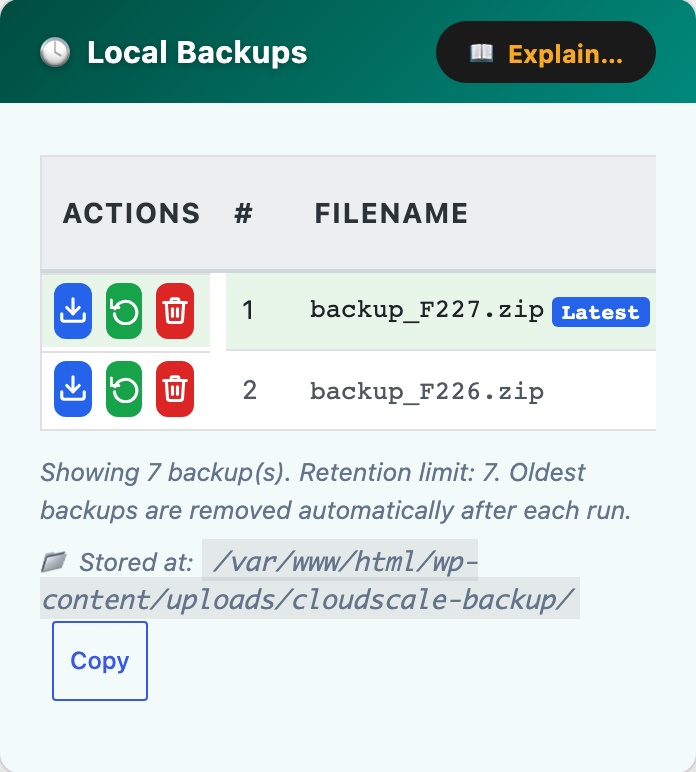
The same panel at 390px, showing how it reflows. Cropped to the first screens.
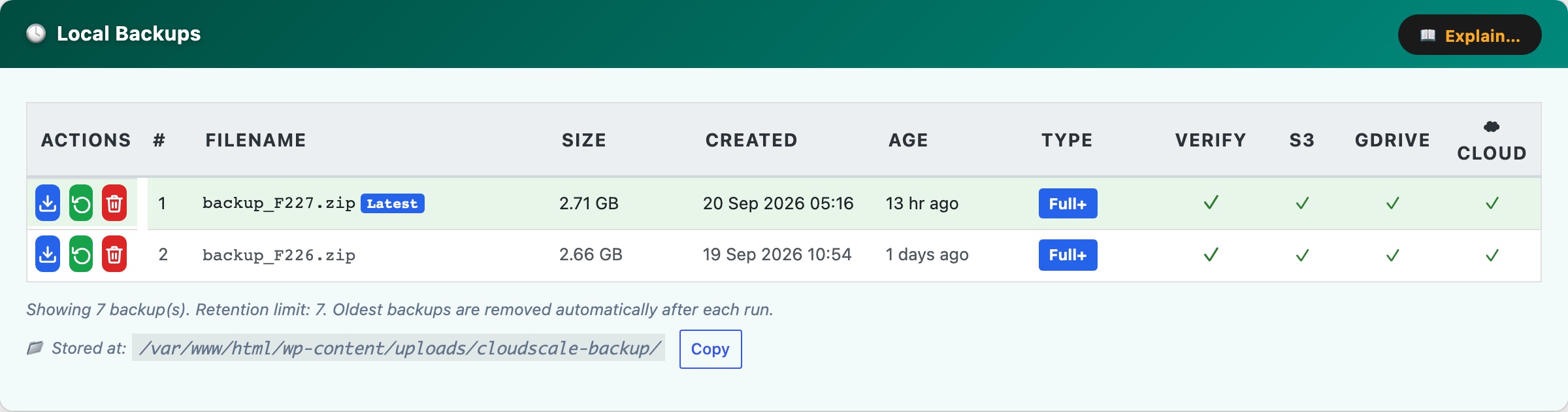
The Local Backups card (teal) shows every backup zip currently stored on your server.
- Date / time, exact timestamp when the backup completed, in your WordPress timezone.
- Size, zip file size. A typical site produces backups of 200 MB, 2 GB.
- Type, Manual (triggered by you) or Scheduled (automatic).
- Cloud sync columns, a column appears for each configured provider (S3, Google Drive, Dropbox). A green tick means successfully synced; a red cross means sync failed (hover for the error); a dash means no sync was attempted.
- Download, streams the zip directly to your browser. Always keep at least one backup offsite.
- Restore, opens the restore confirmation modal for that backup.
- Delete, permanently removes the zip. Cannot be undone.
Row colours: The newest backup is highlighted green (latest). A Delete Soon badge marks the oldest kept backup when you are at your retention limit, it will be deleted when the next backup runs. Rows highlighted orange are already over-limit and will be deleted immediately on the next backup run.
The backup directory path is shown at the bottom with a Copy button. Backups are stored in wp-content/cloudscale-backups/.