← CloudScale Plugin Help/CloudScale Backup & Restore, Free WordPress Backup Plugin with One-Click Restore & Cloud Sync
Backup Limits (backoff protection)
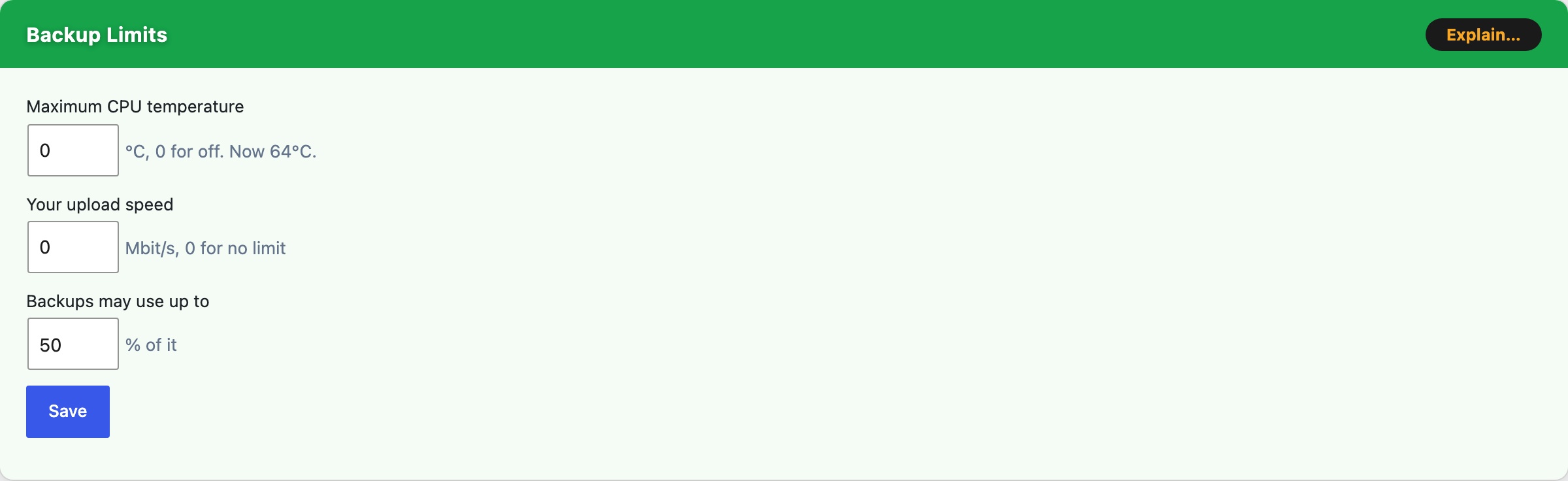
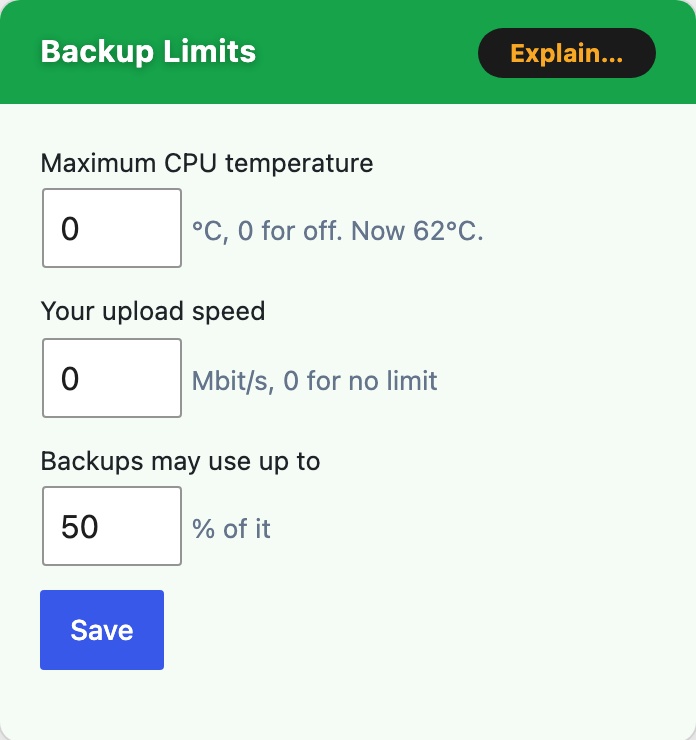
The Backup Limits card on the Local Backups tab is the plugin’s backoff protection. It makes a backup slower so that it does not overwhelm your server or your connection while it runs. Both limits are off until you set them, and they arrived in version 3.2.886.
Maximum CPU temperature, when the processor reaches this, compression pauses until it is 5°C cooler. One pause lasts at most 5 minutes and a backup spends at most 30 minutes paused, so a host that never cools still gets its backup. Enter 0 for off. Each pause is recorded in the Activity Log.
- It needs PHP 8.0 or newer to pause during compression.
- Most shared hosts do not expose a temperature. The card says so when yours does not, and the setting then has no effect.
- A Raspberry Pi starts slowing itself at about 80°C, so 75 is a good setting there.
Your upload speed, your connection’s upload speed in Mbit/s. The plugin cannot tell how fast your connection is, so it uses this figure. Run a speed test and enter the result. Enter 0 for no limit.
Backups may use up to, the share of that speed cloud uploads may average.
- Covered: Amazon S3 and S3-compatible storage, CloudScale Managed, Google Drive, Dropbox and OneDrive.
- Not covered: SFTP, FTP and WebDAV, and a file small enough to go in one piece.
- It limits the average, not the peak. Each chunk still leaves at full speed and is followed by a gap of up to a minute.
Save, keeps these settings for the next backup.