← CloudScale Plugin Help/CloudScale Backup & Restore, Free WordPress Backup Plugin with One-Click Restore & Cloud Sync
Retention & Storage
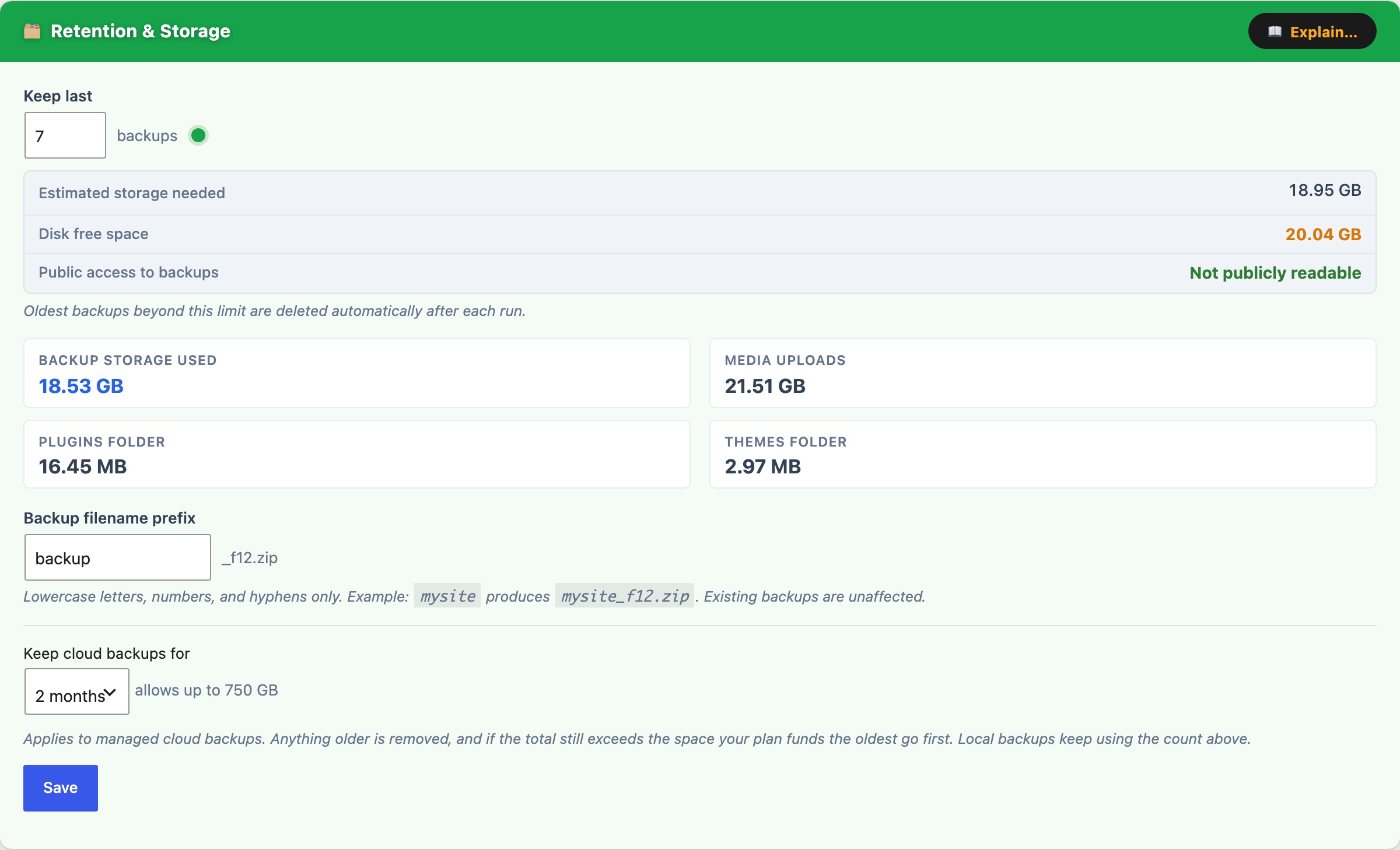
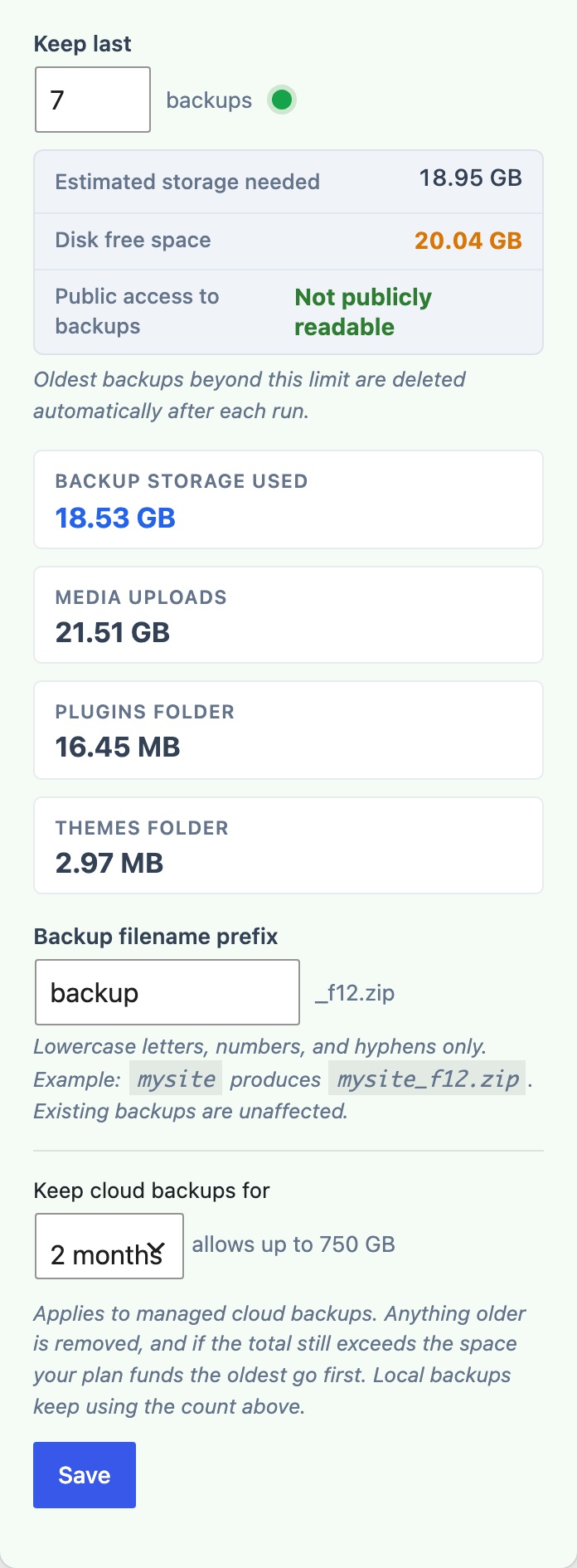
The Retention & Storage card (green) controls how many backups are kept on-server and lets you customise backup filenames.
Backup filename prefix, a short string prepended to every backup filename, e.g. mysite produces mysite_f12.zip. Lowercase letters, numbers, and hyphens only. Changing this prefix does not affect existing backup files.
Keep last N backups, when a new backup is created and the on-server count exceeds this limit, the oldest backup is deleted automatically. The storage estimate updates in real time as you type:
- Estimated storage needed, the retention count multiplied by the size of the most recent backup. Shown in red when it exceeds available disk space.
- Disk free space, current free space on the partition containing the backup directory. Shown with a green / amber / red traffic-light indicator.
The card also shows a live storage breakdown: backup storage used, media uploads folder size, plugins folder size, and themes folder size.
Recommended: keep 3 to 7 backups on-server and download at least one offsite weekly.
This count also governs CloudScale Managed. Managed prunes to the same number of backups as this setting, so raising or lowering it changes how far back your offsite copies go as well as your on-server ones. Managed additionally has a 90-day maximum, enforced in storage rather than by the plugin, so it applies even if the site stops running. Your own cloud destinations are not capped by us; their retention is whatever lifecycle rules you set on your own bucket.