← CloudScale Plugin Help/CloudScale Site Analytics, Free Privacy-First WordPress Analytics Plugin
Display Settings
Controls where view count badges appear on your posts, the visual style and colour of counters, which post types are tracked, and the geography source configuration.
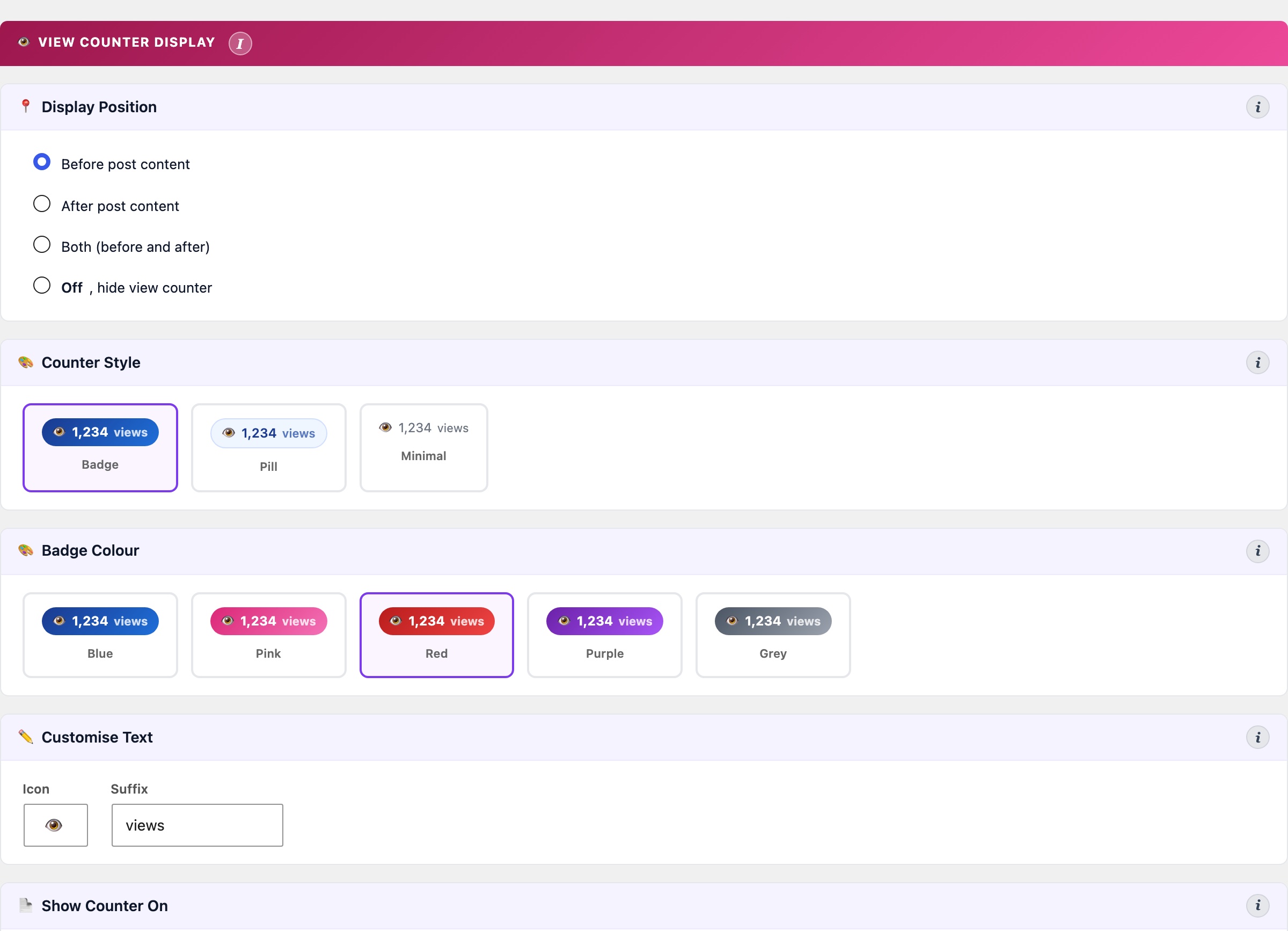
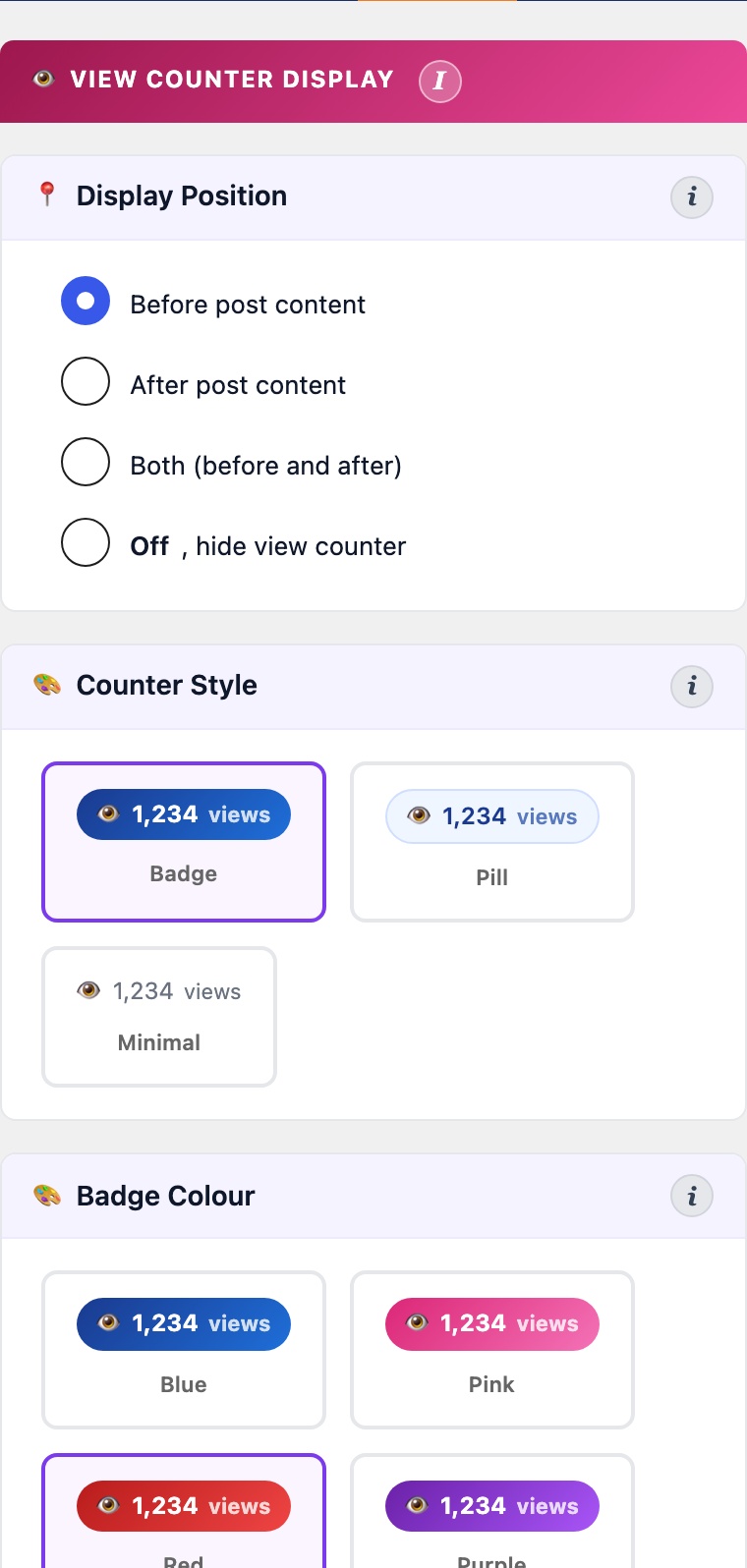
The Display Settings tab controls how view counts appear on your site, configures the sidebar widgets, and provides data management tools.
View Counter Display
- Display position: before post content, after post content, both, or off. The count is read from the
_cspv_view_countpost meta key, which is synced fromwp_cspv_views_v2on each beacon hit. - Counter style: choose between Badge (coloured pill with gradient), Pill (outlined), or Minimal (plain text). Five colour options: blue, pink, red, purple, grey.
- Icon and suffix: customise the icon character (default: 👁) and the text that follows the count (default: “views”).
- Post types to display on: which post types show the view counter. Unselected types will not display the badge.
- Post types to track: which post types fire the beacon and record views. Useful for excluding WooCommerce products, landing pages, or other post types you don’t want counted.
Widgets
- Top Posts widget: register via Appearance > Widgets or the block widget editor. Queries
wp_cspv_views_v2for a configurable view window (default: all time). Settings: total posts to pool (default 10), posts per page, thumbnail width, and sort order (most viewed or most recent). - Recent Posts widget: shows the most recently published posts with view counts. Configurable post count and optional publication date display.
Geography Source
Controls how visitor country is resolved for the geography map and country breakdown.
- Auto: tries Cloudflare first (zero performance cost), then falls back to DB-IP if the CF-IPCountry header is absent. Recommended for most sites.
- Cloudflare Only: uses only the
CF-IPCountryheader. Fast and accurate but requires your site to be proxied through Cloudflare. - DB-IP Only: always uses the local database file. Works without Cloudflare but adds a small lookup overhead per request.
- Disabled: skips geography tracking entirely. The map and country stats will show no data.
The DB-IP Lite database (~30 MB) is stored in your uploads folder and updates monthly. Click Download DB-IP to install or refresh it.
Data Management
The Purge Visitor Hashes tool removes historical unique visitor tracking data from the wp_cspv_visitors_v2 table older than a selected threshold (30, 60, 90, 180 days, 1 year, or all data). This table records hashed IP addresses for deduplication and throttle checks; it grows indefinitely unless periodically purged.
Purging old visitor hashes frees database storage but removes the ability to deduplicate views from that period retroactively. View counts already recorded in wp_cspv_views_v2 are not affected. The panel shows the current row count and date range before you purge.