← CloudScale Plugin Help/CloudScale Site Analytics, Free Privacy-First WordPress Analytics Plugin
WordPress Dashboard Widget
A compact widget on the WordPress admin dashboard showing today’s view count, a 5-period chart, and side-by-side lists of top posts and top referrers. Provides an at-a-glance summary without navigating to the full analytics page.
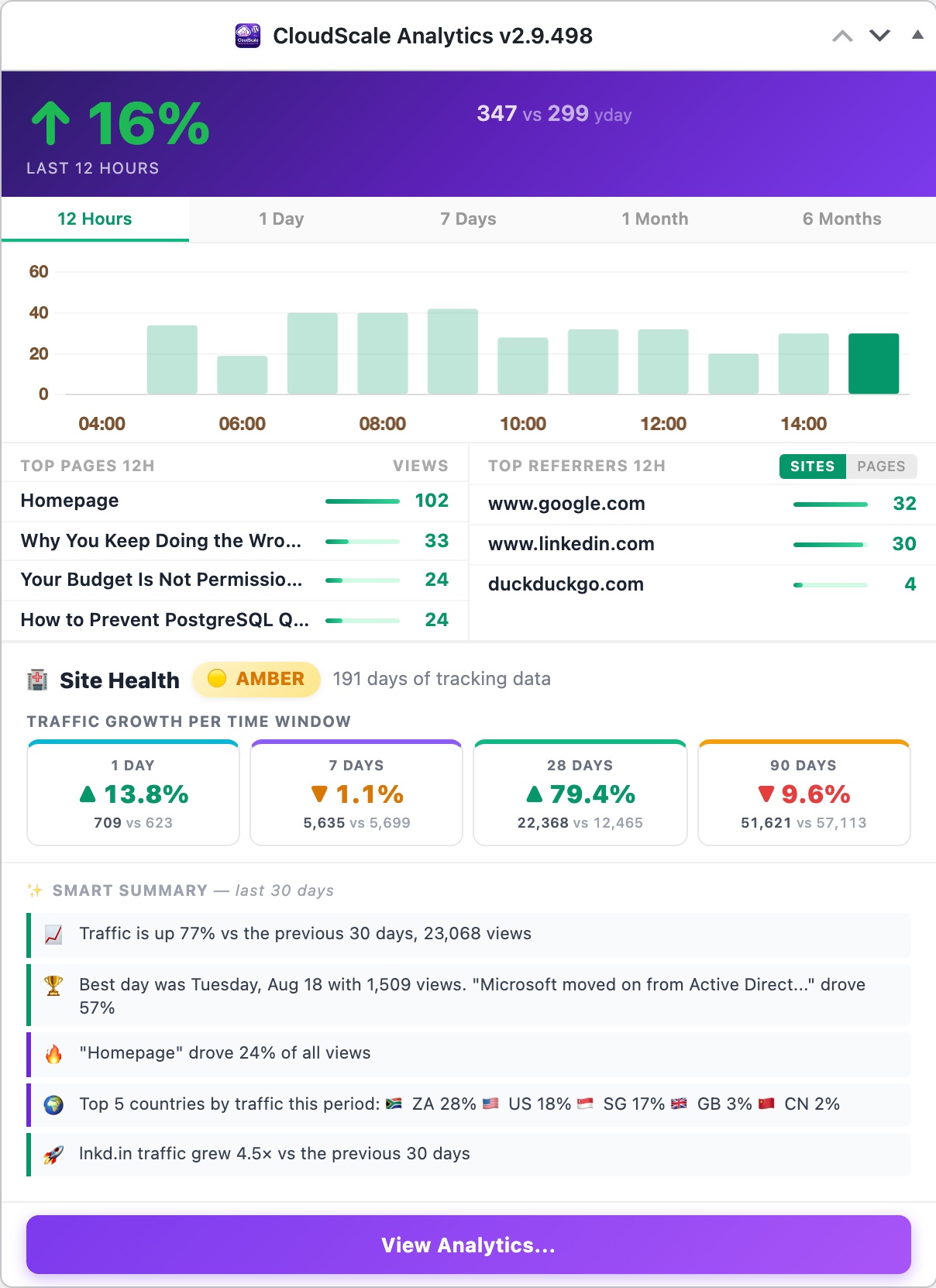
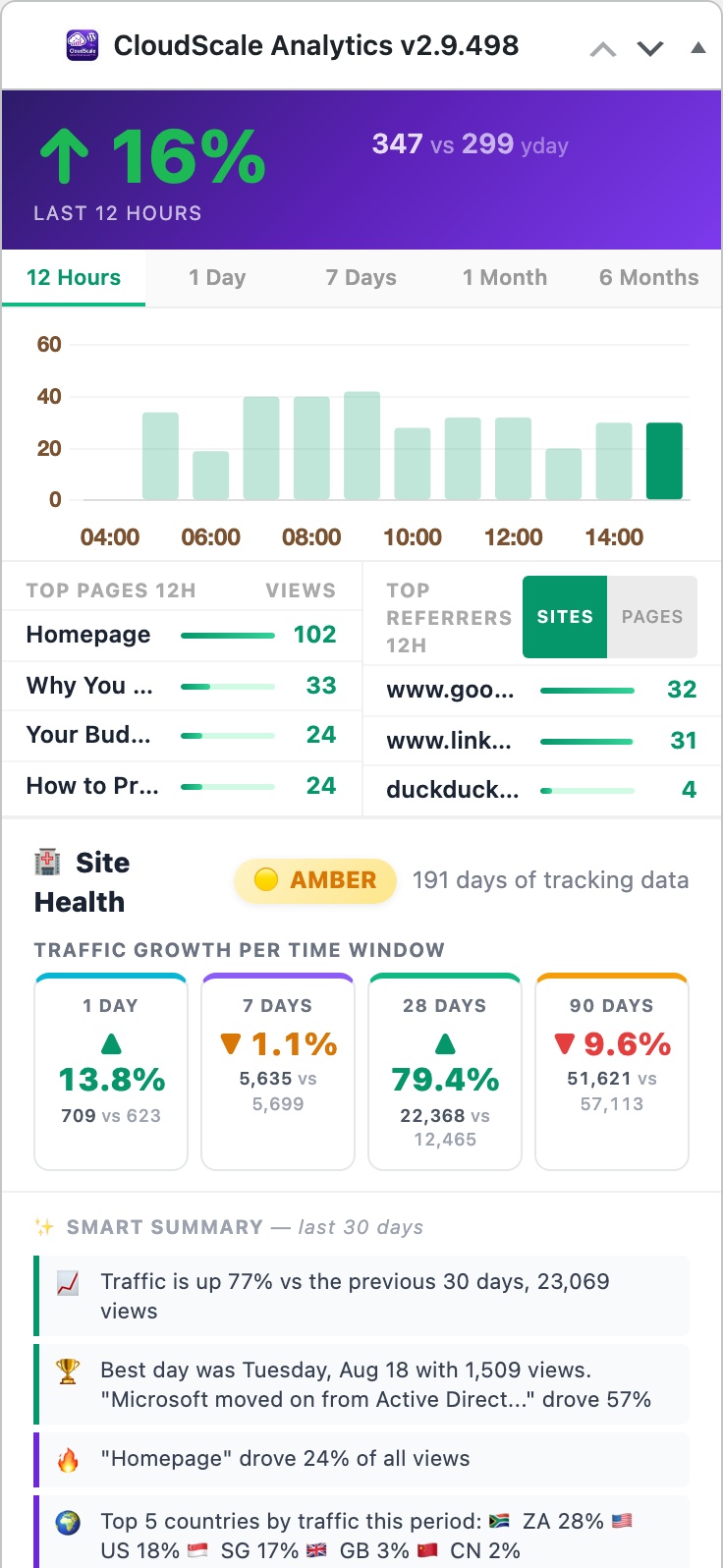
Once installed, CloudScale Site Analytics adds a CloudScale Page Views widget to your WordPress admin dashboard at Dashboard → Home. It gives you an at-a-glance summary of site traffic without leaving wp-admin.
Widget Layout
- Header banner: today’s total view count in large type (green), a delta badge comparing today vs yesterday (↑ growing, ↓ declining), and the 7-day total, all on a purple-to-violet gradient background.
- Period chart: a compact Chart.js line chart showing traffic over the selected period. Click the period buttons, 12h · 1d · 7d · 1mo · 6mo, to switch the chart window. The chart re-renders immediately with no page reload.
- Top Posts / Top Referrers: two side-by-side columns showing the top 3 posts and top 3 referrer domains for today. Each post links to the edit screen. The referrer toggle switches between Host (domain only) and Page (full referring URL).
- View Full Analytics: a CTA button at the bottom links directly to the full Statistics Dashboard.
The widget is visible only to users with the manage_options capability (administrators by default). Data is loaded inline from the same database tables used by the full analytics page, no additional HTTP requests, no third-party calls.