← CloudScale Plugin Help/CloudScale Cyber and Devtools: Free WordPress Security, AI Penetration Testing & Developer Toolkit
Automatic IP Blocking
Blocks an IP address automatically once it crosses a threshold of hostile events, failed logins, failed XML-RPC logins, hidden-login probes, or failed API calls. Blocks expire and escalate on repeat offence, and several never-block rules make it very hard to lock yourself, or your colleagues, out.
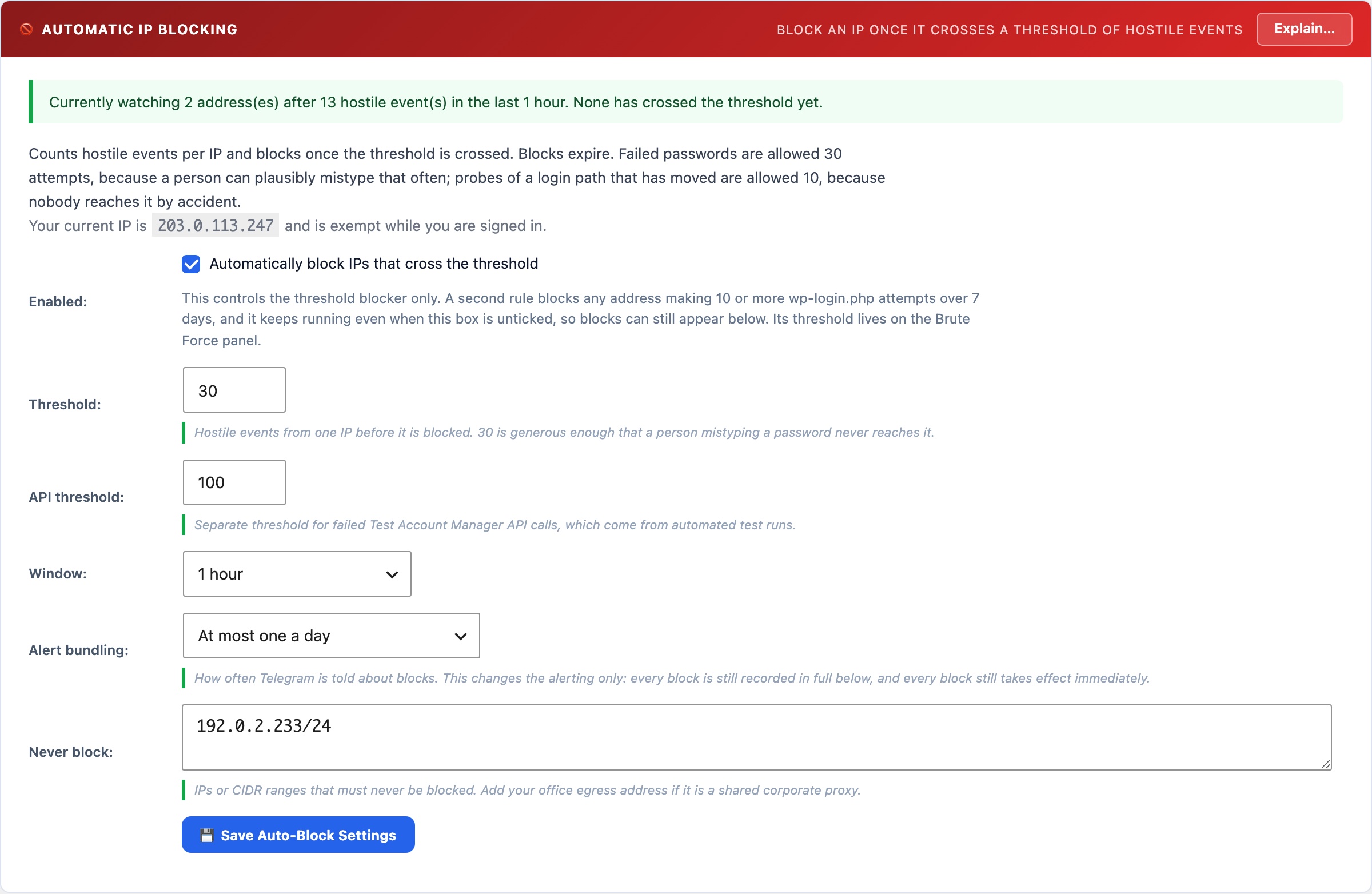
🚫 Stop Answering Attackers
Brute-force lockouts protect an account. They do not stop the attacker, who simply moves to the next username and keeps consuming your CPU, database, and PHP workers. Automatic blocking cuts the conversation off: once an address has proved hostile, it stops receiving answers at all.
What Counts As Hostile
Each signal is counted separately, so a low-volume scan touching several of them does not trip the threshold prematurely:
- Failed logins, the classic signal.
- Failed XML-RPC logins, counted per credential rather than per request. This matters more than it sounds: a single
system.multicallrequest can carry hundreds of login attempts, which is precisely why attackers prefer XML-RPC. A threshold that counted requests would let someone make three thousand attempts in thirty requests and never trigger. - Hidden-login probes, requests to the real
wp-login.phpwhile your custom login slug is active. No genuine visitor ever does this; it is a scanner walking known paths. - Failed test-session API calls, which get their own, higher threshold because that endpoint is driven by CI. A stale secret in a test runner should not blocklist a developer’s machine as readily as a password attack.
- Firewall rule matches, once the request firewall is in Block mode. Ten inside the window, or fewer if your login threshold is lower.
- Missing-page probes, a burst of 404s, with a deliberately generous threshold because stale links and missing images are innocent.
- Request rate-limit breaches, one per minute spent over the limit.
- Comments flagged as attacks by the Comment Guard: a bot trap filled, a comment posted faster than a person types, a burst past the comment rate cap, or comment text carrying an attack. The threshold is one: the first bad comment blocks the address.
Blocks expire, and escalate
A first offence blocks for 1 hour, a second for 24 hours, a third or later for 7 days. That is a deliberate design choice, not timidity. Permanent blocklists grow into thousands of unauditable entries, and IP addresses get recycled, so a list that never forgets will eventually block a real reader on a residential connection that once belonged to an attacker.
Expiry is enforced on every request as well as by a scheduled cleanup, so a temporary block releases itself even if WP-Cron is not running on your site. Blocks you add by hand are separate: they have no expiry and stay until you remove them.
What is never blocked, and why each rule exists
- Private and reserved addresses. An unresolved proxy hop looks exactly like this. Blocking it would blackhole every visitor behind that hop, taking your whole site off the air.
- Recognised proxy and CDN edges. That is infrastructure, never an attacker.
- Your own address while you are signed in as an administrator.
- Any address with a live administrator session. Corporate networks often share one egress address, so blocking it could lock out colleagues as well as you.
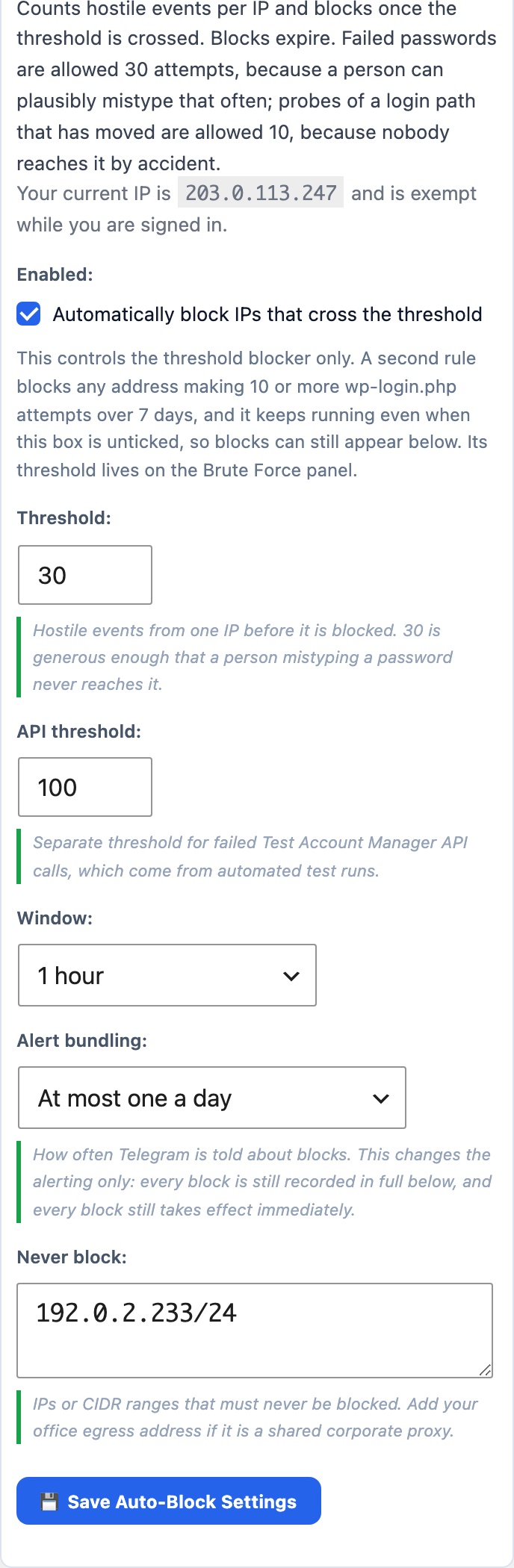
- Anything on your allowlist. Add your office egress address here if it is a shared corporate proxy or VPN.
If you do lock yourself out
Blocks live in a single WordPress option, so recovery over SSH or WP-CLI is one command:
wp option delete csdt_ip_blocklist        # clear all blocks
wp option update csdt_autoblock_enabled 0 # turn the feature off
Both are also printed in the panel’s own Explain dialog, so you do not have to find this page in a hurry.
Alerts
Every automatic block sends a Telegram message (and email, if configured) with the address, country, what triggered it, how many events were seen, the block duration, and whether this is a repeat offender. Alerts are capped at five per fifteen minutes: a distributed attack can trip dozens of blocks a minute, and without a cap the alerting itself becomes the denial of service. The panel keeps the full audit table regardless of how many alerts were sent.
Requires working IP detection. Every signal here is attributed by IP address, so if the Visitor IP Source panel reports a problem, automatic blocking does nothing at all: events carry your proxy’s address, which is on the never-block list. That is the safe direction to fail, but it is still a failure, so the panel shows a red warning rather than pretending to protect you. Set the IP source first.