← CloudScale Plugin Help/CloudScale Cyber and Devtools: Free WordPress Security, AI Penetration Testing & Developer Toolkit
Virtual Patching
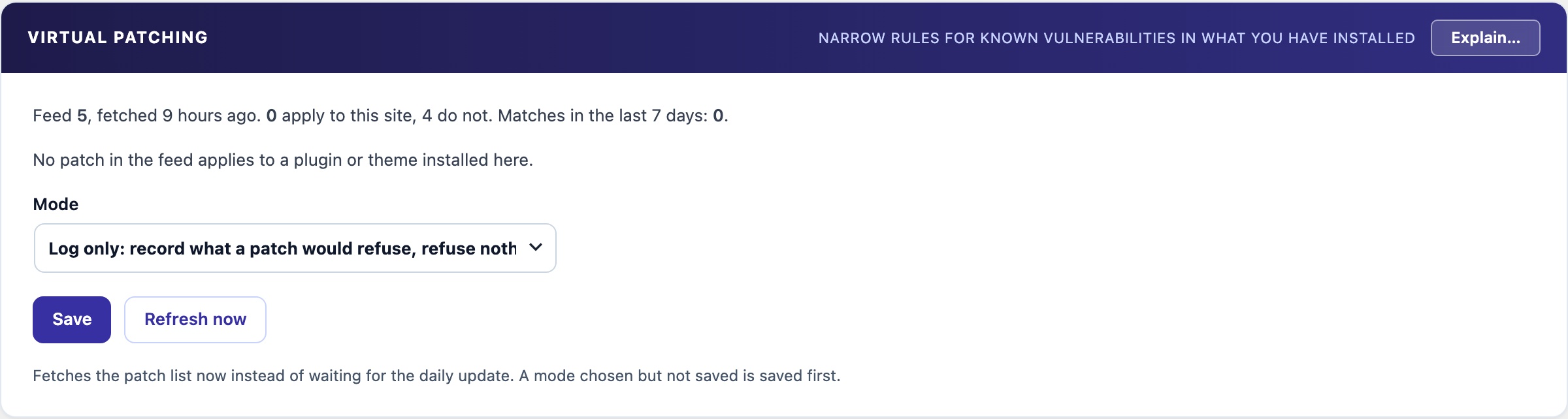
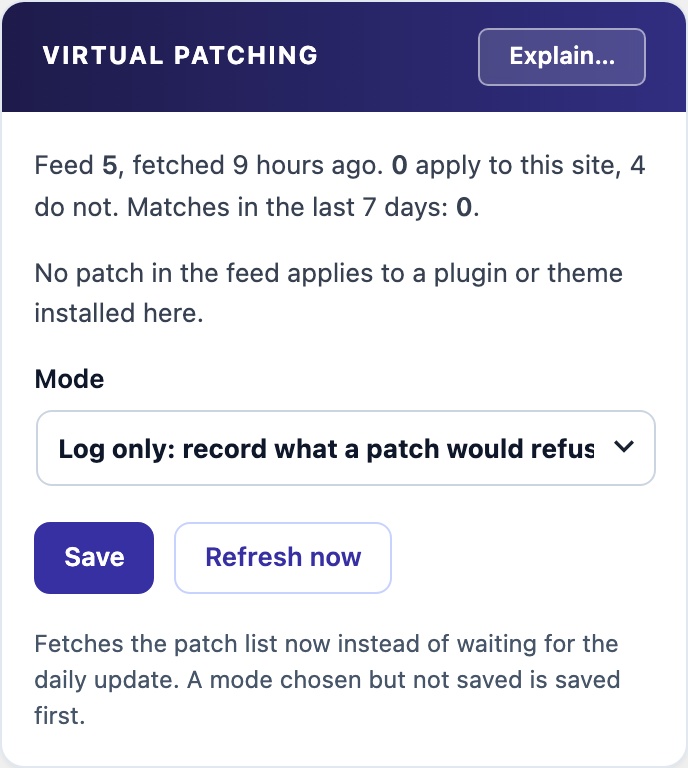
When a plugin or theme you have installed has a published vulnerability and you cannot update yet, a virtual patch refuses the one kind of request that vulnerability needs and leaves everything else alone. Patches come from a signed CloudScale list, apply only to what is installed here at an affected version, and stop applying when you update. Off by default, and Log only first.
🩹 Patch the Request, Not the Plugin
The fix for a published vulnerability is to update. When you cannot update today, because the fix breaks something or is not out yet, a virtual patch refuses the one request shape the vulnerability needs, such as a non-number in the id field of one AJAX action, and nothing else.
How It Works
- A signed list, fetched daily. CloudScale publishes the patches as one signed list. The plugin checks the signature against a key built into it and refuses the whole list if it does not match, is older than the one it has, or is not understood.
- Only for what you have installed. Each patch names a plugin or theme and the versions it affects. Patches for anything not installed here, or already updated, are ignored, and a patch stops applying the moment you update.
- A description, never code. A patch names a request (an AJAX action, REST route or path, and one parameter) and one of a fixed set of checks the plugin already carries. A wrong patch can at worst refuse one kind of request to one component.
- Drafted, tested, reviewed. Each patch is drafted from the difference between the vulnerable and fixed release, checked automatically against both, and reviewed by a separate AI agent before it is signed.
Where the Patches Come From
- The source. Advisories come from wpvulnerability.net, the same database CVE Alerts checks your site against. Releases come from WordPress.org.
- What qualifies. A WordPress.org plugin that sites running CloudScale use, with an advisory published in the last year, rated medium severity or above, and a fixed version released on WordPress.org.
- Every night. CloudScale looks for new qualifying advisories each night and drafts a patch for each one. A separate AI agent reviews every draft, and only a patch it approves is signed and added to the list. CloudScale can revoke any patch.
- Figures you can check. How many patches are live, how many were added each month, how long a patch took from the advisory’s publication to approval, and how many drafts are waiting for review are all public at api.cloudscale.consulting/v1/virtual-patches/stats. The figures come from the same records that produce the patches.
Safe to turn on
- Off by default. Nothing is fetched until you choose a mode. Nothing about your site is sent to fetch the list.
- Log only first. Each would-be refusal is recorded in Recent Matches as
vpatch:plus the patch id. Block answers those requests with a 403. - Never in your way. Signed-in editors and administrators and scheduled tasks are never checked, and a firewall exception for rule
vpatchon a path lifts patches there. - Not every vulnerability can be patched this way. A missing permission check, for example, has no bad input to refuse. Updating is still the fix; the patch buys you time.