← CloudScale Plugin Help/CloudScale Cyber and Devtools: Free WordPress Security, AI Penetration Testing & Developer Toolkit
Upgrade Verification
After WordPress core, PHP, the theme or a plugin changes, this checks that the site still works. It sees changes made by a WordPress update, a file copy or a rebuilt server image. It runs eight checks, alerts when one fails, and never changes anything. On by default.
On a phone
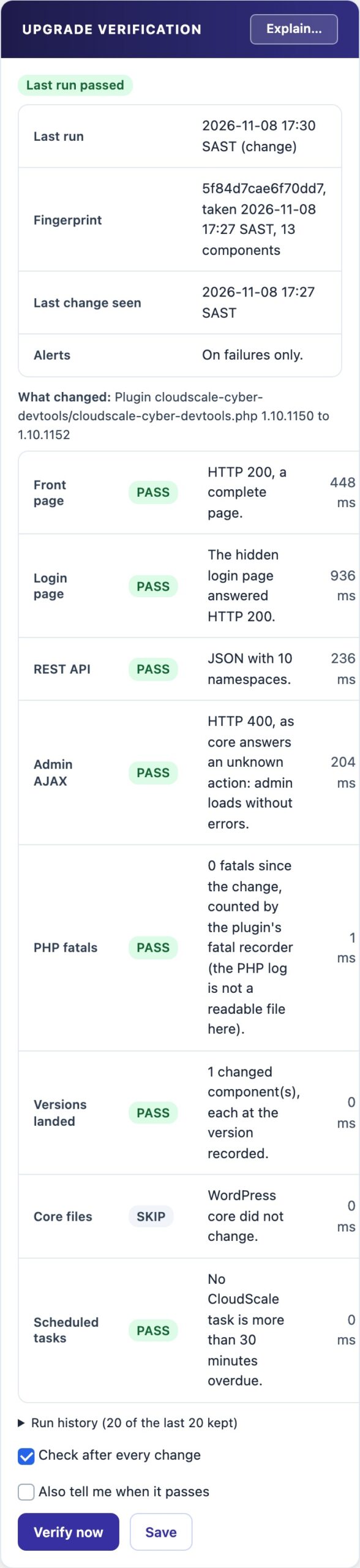
The same panel at 390px, showing how it reflows. Cropped to the first screens.
✅ Is the Site Still Working After That Change?
An update can finish without an error and still leave the site broken: a plugin that fatals in admin, a page cut short, a half-copied update, or scheduled tasks that stopped. Upgrade Verification checks all of that for you, right after the change.
When It Runs
- Every 5 minutes the site compares a fingerprint of what it runs: the WordPress version, the PHP version the web server uses, the PHP version scheduled tasks use, the active theme (and its parent) and every active plugin with its version.
- On a change it waits 2 minutes for caches to settle, then runs the checks. This catches changes WordPress never sees, such as files copied by a deploy or a rebuilt server image with a new PHP version.
- After a WordPress update (plugin, theme or core) it books a run too. Only one run is ever pending; a second change before it runs is added to the same run.
- The first time it only records the fingerprint. Nothing is checked until something changes.
- Verify now runs every check immediately and shows the result on screen. It never sends an alert, because you are already reading the result.
The Eight Checks
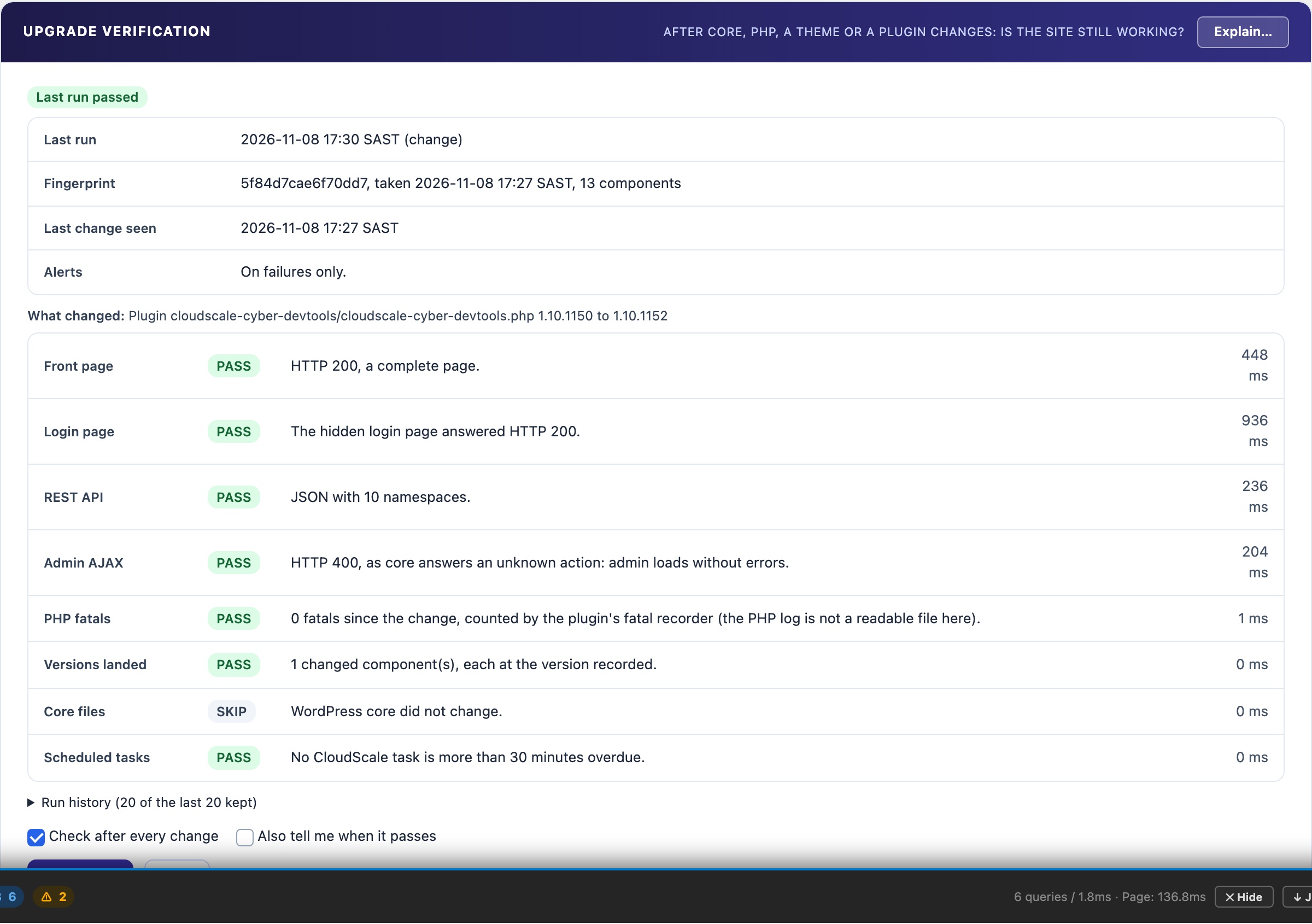
Each check passes, warns, fails or is skipped, with a one-line reason and the time it took.
- Front page. A complete page, past any page cache, with no critical error. It warns when the page is more than 3 times slower than usual (the middle of the last 5 passing runs).
- Login page. Answers HTTP 200, at its hidden address when Hide Login is on. The hidden address never appears in the result or the alert.
- REST API. The REST index answers JSON with its list of namespaces.
- Admin AJAX. admin-ajax.php answers an unknown action the way WordPress core does, which proves admin loads without a fatal error.
- PHP fatals. No PHP fatal error since the change. The plugin records each fatal page load itself, so fatals are counted with or without a readable PHP log. This matters on Docker, where PHP often logs to the container output.
- Versions landed. Every changed part reports the version it changed to. A half-applied update fails here, and so does this plugin’s new files running with its old code still loaded.
- Core files. After a WordPress core update, the core files are compared with WordPress.org’s checksums. Skipped while file integrity is off.
- Scheduled tasks. None of this plugin’s scheduled tasks is more than 30 minutes late.
Alerts and settings
- A failed run sends one alert, to Telegram when it is set up, otherwise to the site admin email. It lists what changed and each failing check.
- Also tell me when it passes sends an alert for every run. Off by default.
- Check after every change is the main switch. On by default. Untick it and save to stop it entirely.
- The last 20 runs are kept and shown in the panel.
Report only
- It never rolls back, deactivates a plugin or changes a setting. It tells you; you decide.
- Contacts only your own site. The checks are requests from your server to itself, marked as the site’s own so this plugin’s own blocks do not refuse them. The only outside call is WordPress.org’s checksum list, and only when file integrity is on.
- Never on a standby copy. A standby never checks or alerts.
- Never on a visitor’s request. Checks run from scheduled tasks or the Verify now button.