← CloudScale Plugin Help/CloudScale Cyber and Devtools: Free WordPress Security, AI Penetration Testing & Developer Toolkit
Vulnerable Plugin Shields
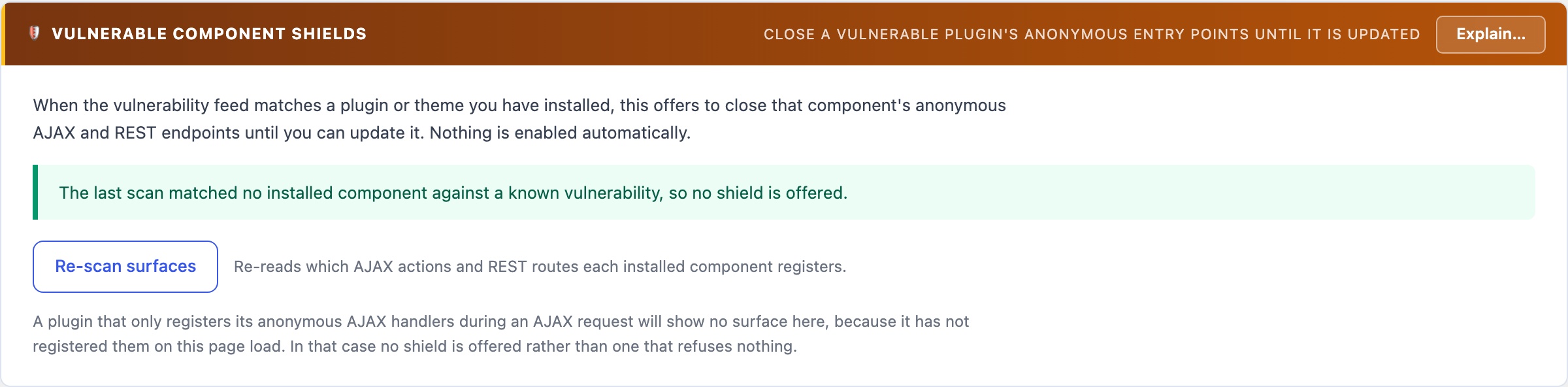
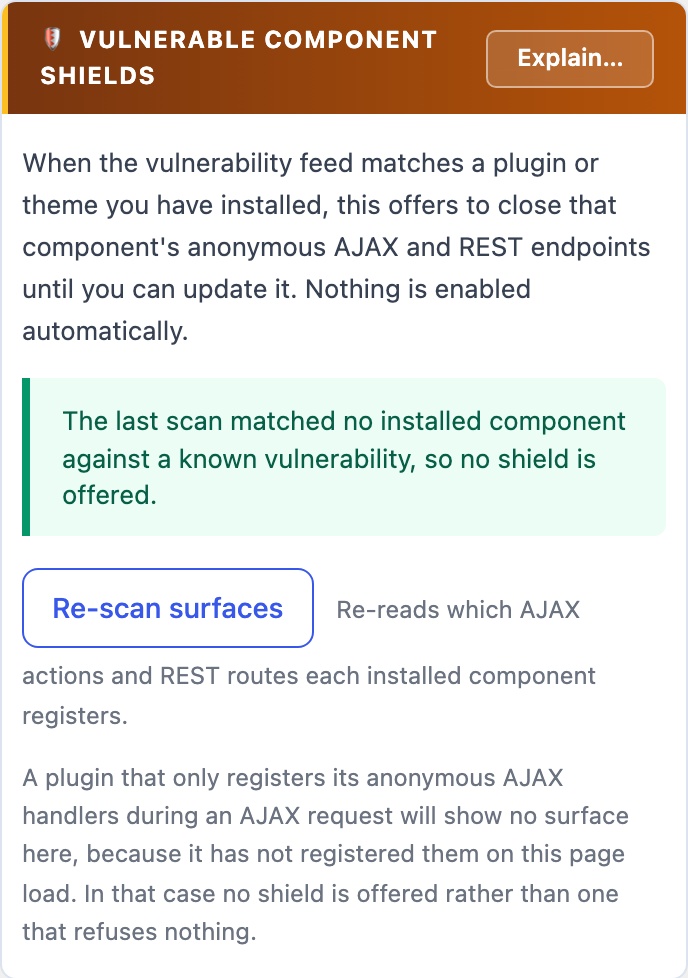
When a plugin you have installed has a known unpatched vulnerability, a shield closes that plugin’s anonymous AJAX and REST endpoints until the fixed version is installed, then lifts itself. You see exactly which endpoints will be refused before you turn it on, and one button suspends every shield at once if a feature breaks.
🧯 Close the Door Until the Fix Arrives
The worst window in WordPress security is the gap between a vulnerability being published and you installing the fix. Attackers scan for it within hours. A shield closes the vulnerable plugin’s anonymous entry points for exactly that window.
How It Works
The daily vulnerability check compares every installed plugin against the vulnerability feed. When one has a known unpatched flaw, the Shields panel offers to close that plugin’s anonymous AJAX actions and REST routes, the unauthenticated paths most plugin exploits arrive through.
- You see the list before anything is refused. Every endpoint a shield will close is shown, and a test button proves the shield refuses before you rely on it.
- Only endpoints that belong to that plugin alone. Every handler is traced to the file that defines it. An endpoint shared with another plugin or with core is reported as not shieldable, never closed, because refusing it would break the other owner.
- It lifts itself. When the fixed version is installed, or the plugin is deactivated or removed, the shield lifts and the activity log records why. If the feed names no fixed version, nothing guesses: it stays until you lift it.
- One button stops them all. If a feature breaks, Suspend all shields stops every shield refusing at once without losing the configuration, so you can find the culprit and resume.
What a shield is not: a patch. The feed says a flaw exists, not which URL or parameter it is in, so a shield closes the plugin’s whole anonymous surface rather than filtering one attack. If the plugin uses those endpoints for something visitors need, a contact form or a live search, that feature stops working for logged-out visitors while the shield is up. That is the trade, which is why nothing is shielded for you.