← CloudScale Plugin Help/CloudScale Cyber and Devtools: Free WordPress Security, AI Penetration Testing & Developer Toolkit
Session Duration
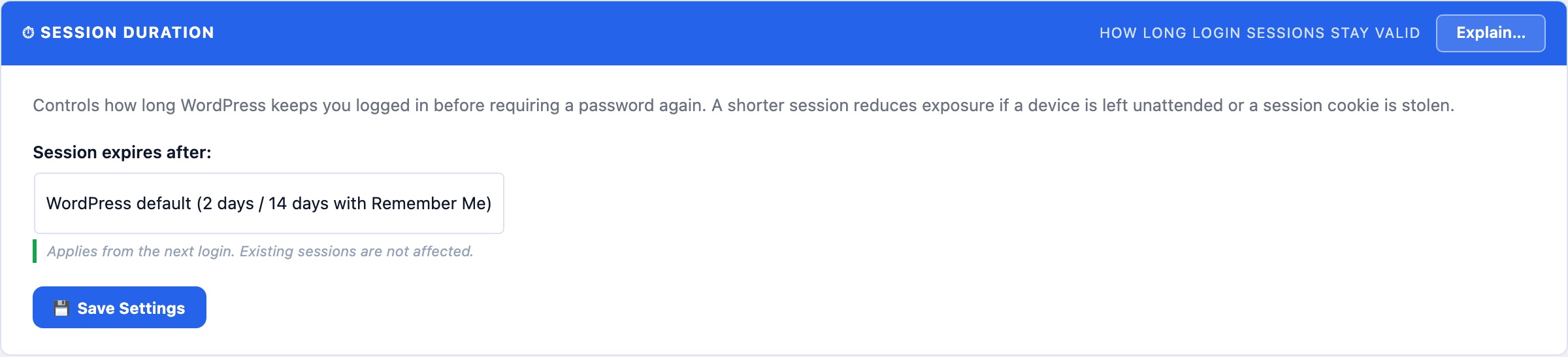
Controls how long WordPress login sessions remain valid before users must re-authenticate. The default is 2 days. Shorten this for high-security admin accounts or extend it for trusted internal teams who find frequent re-login disruptive.
⏱ How Long Should a Login Session Last?
WordPress’s default is 2 days. That’s a reasonable balance between security (re-authenticate regularly) and convenience (don’t interrupt a working developer). Adjust this to match your team’s workflow and your site’s security posture.
Session duration controls how long the WordPress auth cookie is valid before the user must enter their password again. When a custom duration is set, the Remember Me checkbox at login is overridden, all sessions get the same lifetime, and it applies to browser restarts (the cookie persists rather than expiring when the browser closes).
Recommended durations by context
- 1 to 3 days: banking sites, client portals, any site with sensitive customer data. Force frequent re-authentication to limit the window of a stolen session cookie.
- 7 to 14 days: most business sites and WordPress blogs. Frequent enough to catch stolen credentials; infrequent enough to not frustrate legitimate users.
- 30 to 90 days: internal tools used by a small trusted team on known devices. Convenience wins when the threat model is low.
- WordPress default (2 days): leave this setting empty or set to “Default” to keep WordPress’s built-in behaviour.
Important: changing this setting only affects new logins. Users who are already logged in keep their current session until it expires or they log out manually. If you need to force a full re-login for all users immediately (e.g. after a suspected credential compromise), use the Log Out All Users option in the WordPress Users settings, or run wp user session destroy --all via WP-CLI.