← CloudScale Plugin Help/CloudScale Cyber and Devtools: Free WordPress Security, AI Penetration Testing & Developer Toolkit
Rate Limiting
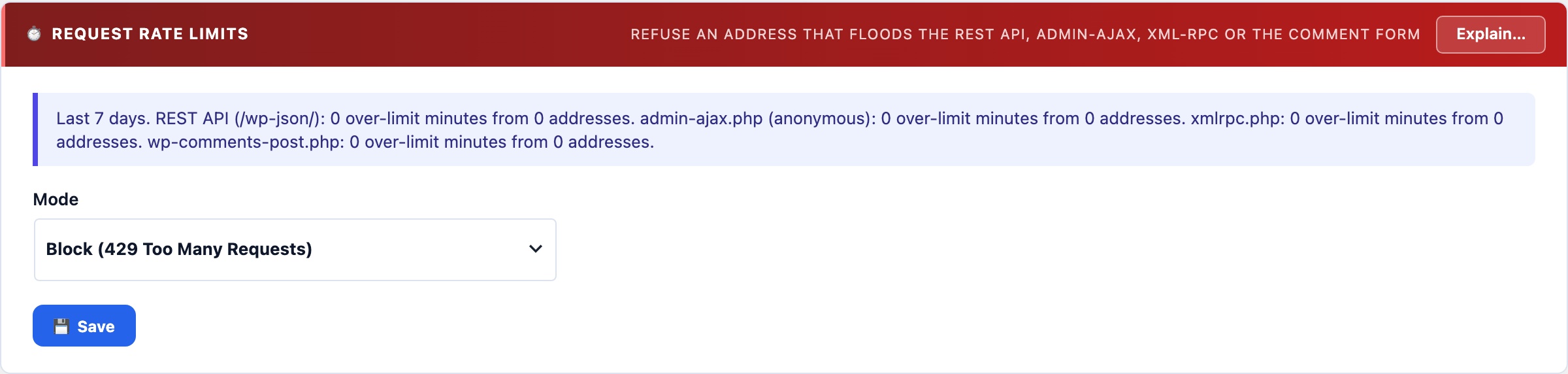
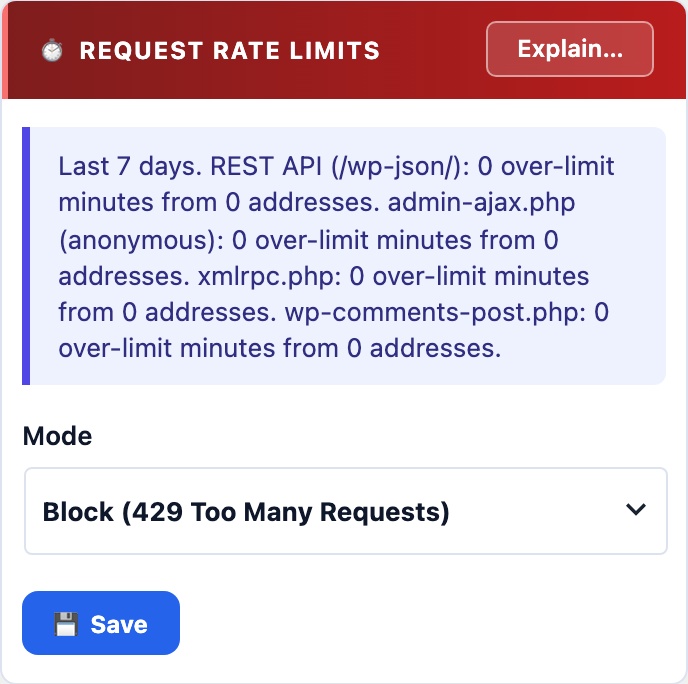
Counts anonymous requests per address per minute to the REST API, admin-ajax.php and xmlrpc.php, and answers 429 Too Many Requests past the limit. Enumeration, credential stuffing and XML-RPC amplification look harmless one request at a time; volume is what gives them away. Counted in memory, never in the database.
📈 Volume Is the Attack
User enumeration one page at a time, credential stuffing through the REST login path, XML-RPC amplification and a hammered anonymous AJAX action: every request looks harmless on its own. The firewall matches shapes; this counts how many.
The Limits
Per address, per minute, anonymous requests only:
- REST API (
/wp-json/): 120. - admin-ajax.php: 120.
- xmlrpc.php: 30. A browser never speaks XML-RPC; only apps and attackers do.
Past the limit the request is answered 429 Too Many Requests. Signed-in users are never counted, so the block editor’s dozens of REST calls a minute are untouched. A site with a legitimately busy anonymous front end can raise the limits with the csdt_ratelimit_limits filter.
Counted in memory, never in the database
Each request is one atomic increment in your persistent object cache (Redis or Memcached), the only place a per-request counter is affordable on the busiest endpoints a site has. Only a request over the limit is written down, once per address per minute, in the firewall’s Recent Matches.
Without a persistent object cache there is no counter that survives a request, so the limiter says it is inactive and refuses to switch to Block, rather than showing protection it cannot provide.
A sustained flood becomes a ban
Every minute an address spends over a limit is counted by Automatic IP Blocking. Ten such minutes inside the window, or fewer if your login threshold is lower, and the address is banned outright, with a Telegram alert. The 429 answers a burst; the ban answers a client that keeps coming.