← CloudScale Plugin Help/CloudScale Cyber and Devtools: Free WordPress Security, AI Penetration Testing & Developer Toolkit
PHP Advisory Alerts
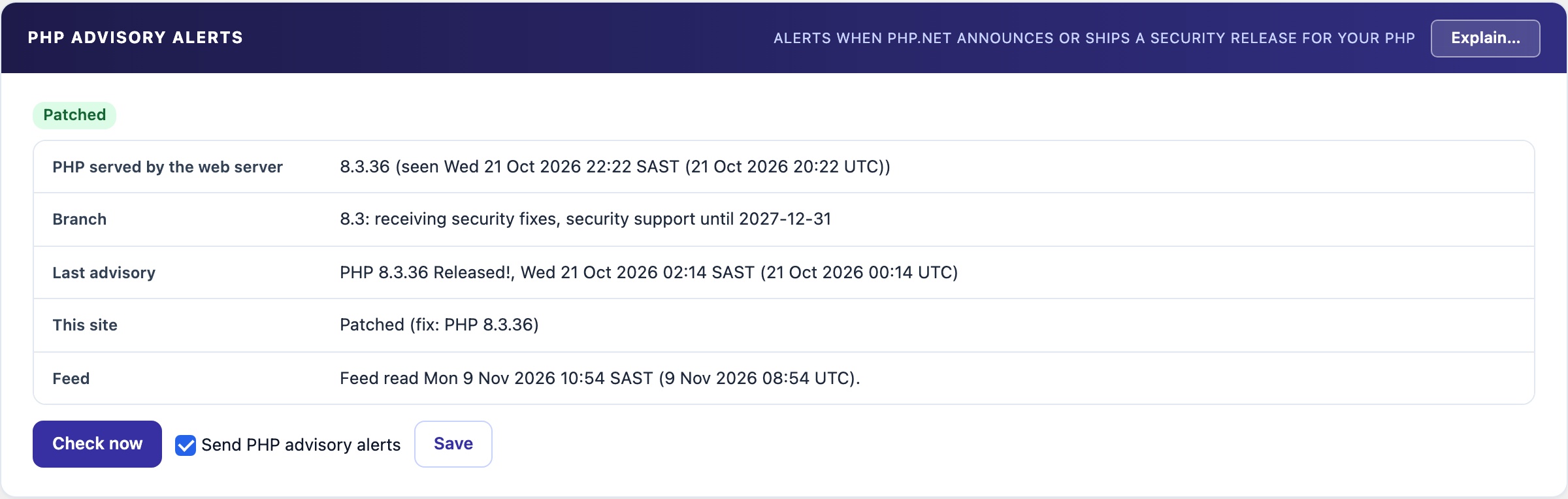
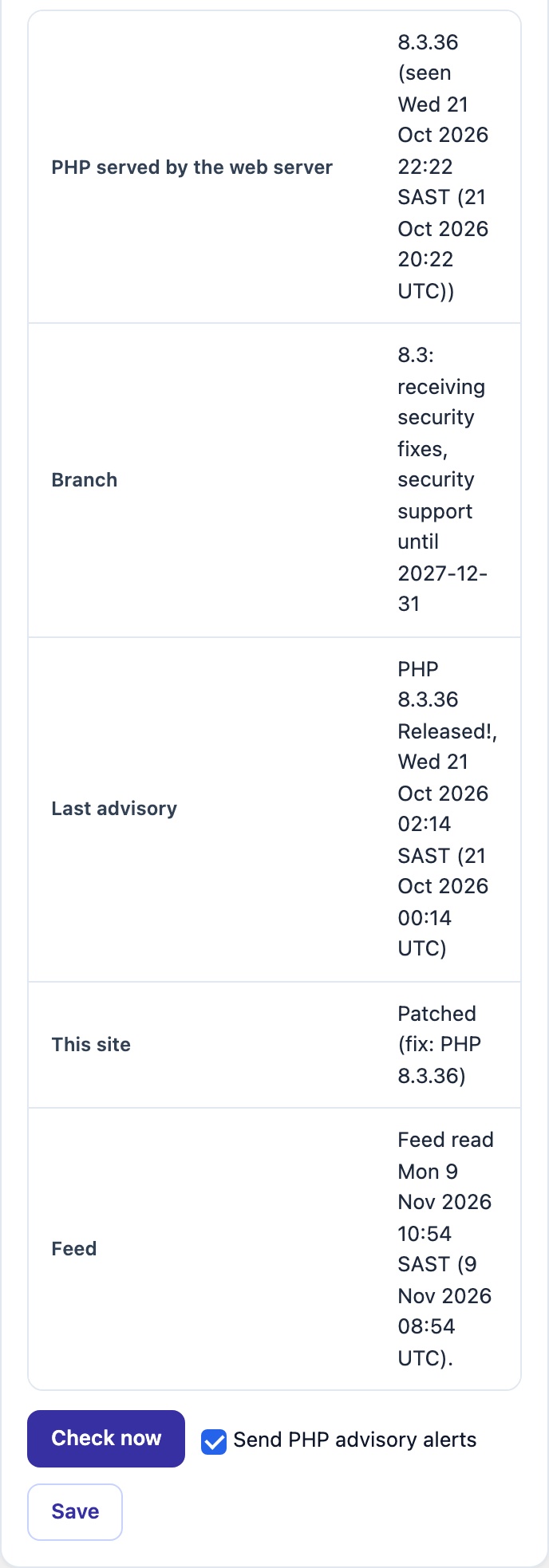
Tells you when php.net announces a security release, when it ships for the PHP your site runs, when your branch will not get the fix, and when your site is running the patched version. Each alert is sent once, by Telegram and email. Off by default; nothing about your site leaves it.
🚨 Know Before the PHP Fix Lands
php.net announces critical security releases a day or so ahead. Most site owners hear about them weeks later, if at all. This panel watches for them and tells you what they mean for the PHP your site actually runs.
The Four Alerts
- Advance notice. php.net has scheduled a security release. You get the release time in your timezone and in UTC, so you can plan the upgrade.
- Release. The fix is out for your PHP branch. The alert says whether this site is affected and which version to move to.
- End of life. Your branch will not get the fix. Plan a move to a supported branch.
- Patched. This site now runs the fixed version.
Each alert is sent once, to Telegram (when set up) and to the site admin email address.
Critical PHP Flaw Warning
Some PHP flaws are too serious to wait for an opt-in. The plugin carries a built-in list of critical PHP flaws and checks it against the PHP version your web server runs. It works with every switch on this panel off. It fetches nothing and sends nothing to CloudScale. A new entry ships in a plugin release.
The first entry is php2shell (CVE-2026-109618 and CVE-2026-109619, CVSS v4 9.2, disclosed 2026-10-21). Anyone on the internet can run code on the server, without logging in. The flaw is in PHP itself.
- Fixed in PHP 8.5.12, 8.4.27, 8.3.36 and 8.2.35. PHP 8.1 and older got no fix, so those sites need a move to a supported branch.
- Red warning on every admin screen for administrators. It cannot be dismissed. It goes away by itself once PHP is upgraded.
- Critical Site Audit finding, also in the weekly report. Its fix points to AI Security Scan → PHP Advisory Alerts.
- One alert to the site admin email address, and to Telegram when set up. Sent once per flaw and PHP version.
Only a PHP upgrade fixes it
The attack runs before WordPress loads. No plugin, WAF setting or PHP ini setting can block it, this one included. Ask your host to upgrade PHP today; that is the host’s job. On your own server, install the PHP update; on Docker, rebuild the image. For a site behind Cloudflare, Cloudflare’s emergency WAF rules may help as a stopgap until the upgrade lands. They are not a fix.
What it checks, and what it sends
- The PHP your web server runs. Read when an administrator opens an admin page. WP-CLI and server cron often use a different PHP, so their version is never used.
- Nothing about your site leaves it. The CloudScale API reads php.net’s feed every 30 minutes and serves one snapshot to every site; each site decides for itself whether it is affected.
- Off by default. Tick Send PHP advisory alerts and save to start it, or click Turn on PHP advisory alerts, shown in the panel while it is off. The site then checks every 6 hours, and hourly while a release is announced but not yet out. Check now reads the snapshot immediately.
- Fails quietly. If the snapshot cannot be read the panel says so and no alert is sent. Nothing on your site is changed.
In the Site Audit and the weekly report
The Site Audit and the weekly security report both carry a PHP security advisory finding. They read the same finding, so they never disagree.
- Critical when a PHP security release is announced or out and this site is not on the fixed version.
- High when your PHP branch is end of life, so php.net no longer ships fixes for it.
- Passed when this site runs the fixed version, or no advisory is open.
- Unknown when the PHP version is not recorded yet or the feed has not been read. This is shown, but it is never counted as a fault.
Release times are given in your timezone and in UTC. Each finding links to the PHP Advisory Alerts panel. The finding is read from stored data only. It works with the alerts switched off and contacts nothing; with the alerts off, it uses whatever the last Check now stored.
When it is off: New CVEs are not being checked
PHP Advisory Alerts and CVE Alerts are the two checks that notice a new vulnerability by themselves. Both are off by default. While either is off, the plugin says New CVEs are not being checked in a notice on its own screens, in the Site Audit and in the weekly report. The notice has a one-click Turn on PHP advisory alerts, with what it sends beside it: a public list of php.net security releases is downloaded from api.cloudscale.consulting every 6 hours, and nothing about this site is sent. The CVE Alerts section explains the notice, the finding and the report section in full.