← CloudScale Plugin Help/CloudScale Cyber and Devtools: Free WordPress Security, AI Penetration Testing & Developer Toolkit
Out of Band Heartbeat
Every five minutes WordPress sends a signed heartbeat to a monitor you run somewhere else, such as a free Cloudflare Worker. When the beats stop, PHP is down even if the web server still answers. Each beat also carries a few security signals, so the monitor can alert when the plugin is switched off, an administrator is added or the firewall is turned off. Off by default.
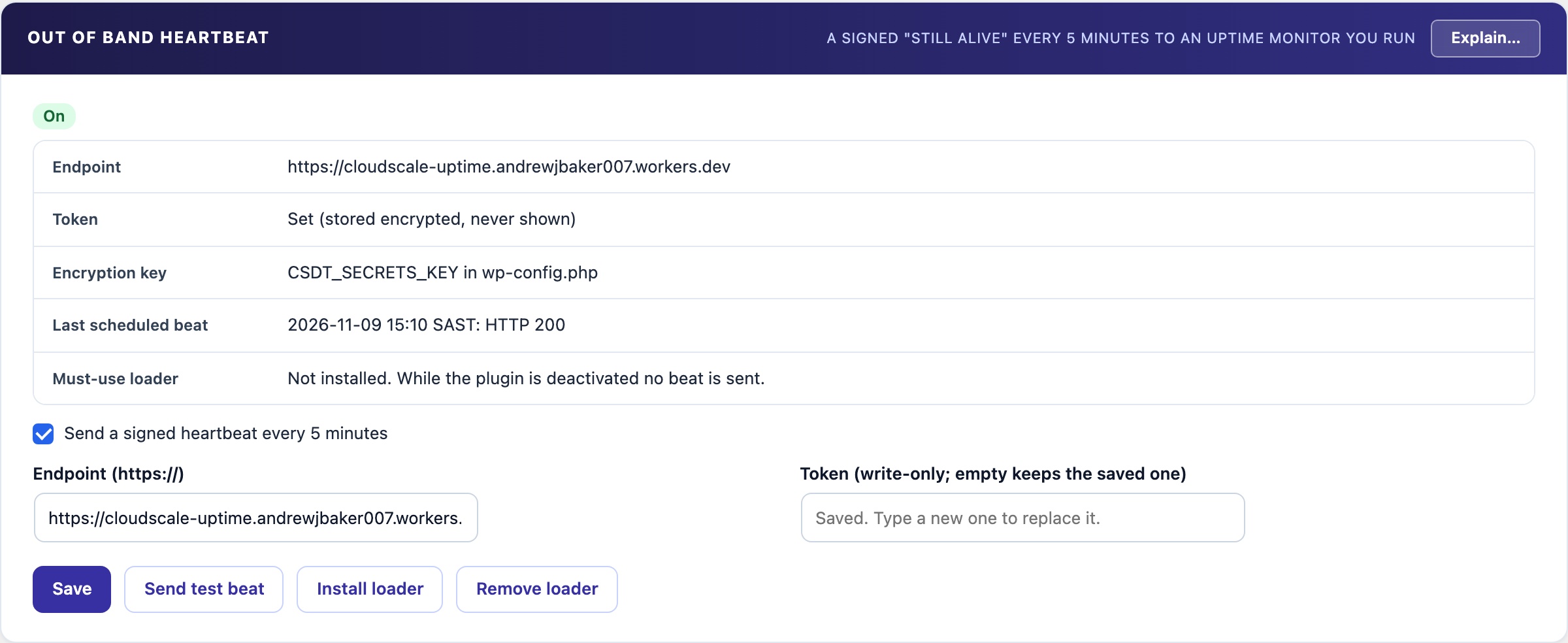
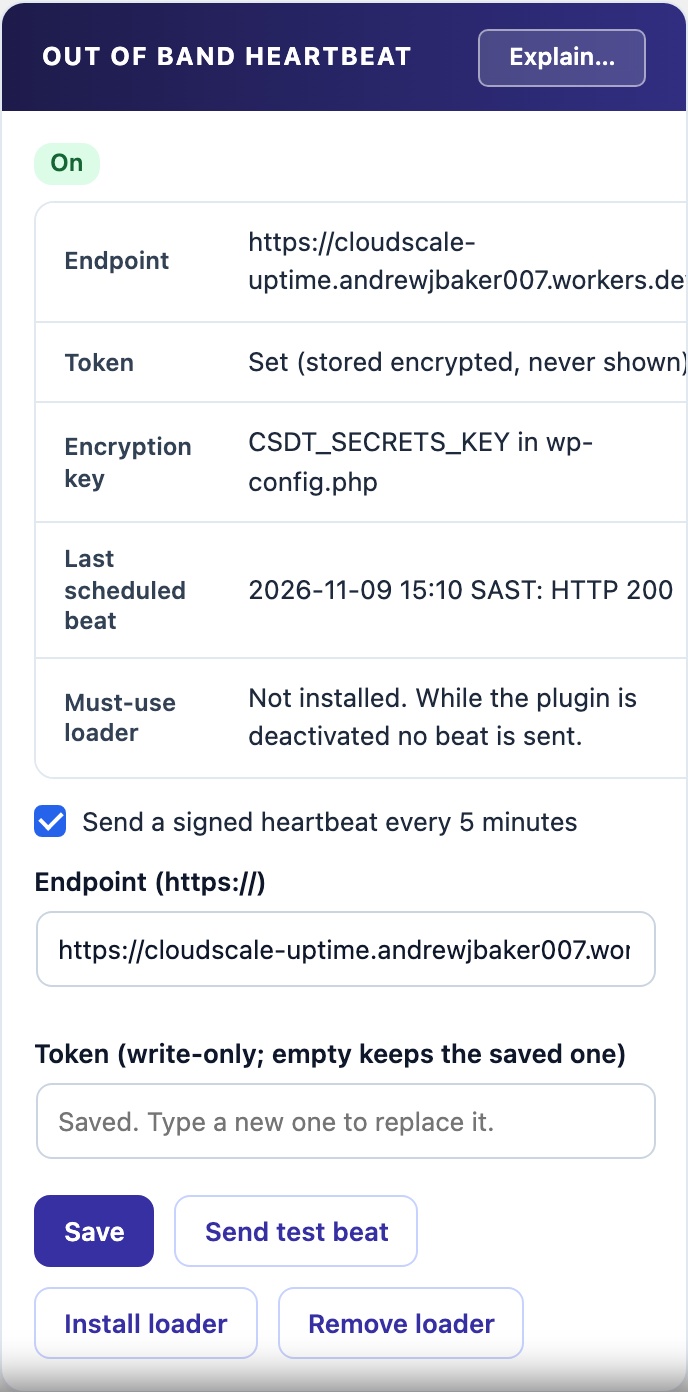
💓 A Monitor That Lives Somewhere Else
A plugin cannot tell you the site is down, because when the site is down the plugin is not running. An uptime check from outside cannot always tell either: a cache or a reverse proxy can keep answering after PHP has stopped. A heartbeat sent by WordPress itself stops exactly when PHP does.
How It Works
- Every five minutes WordPress posts a small beat to an address you choose, a monitor you run outside this server. A free Cloudflare Worker is enough.
- Signed. Each beat carries a timestamp, a one-time value and an HMAC-SHA256 signature made with your token, so a captured beat cannot be replayed or altered.
- Security signals. Each beat says whether the plugin is active, how many administrators there are (as a count and a fingerprint, never names), the firewall mode, how many file changes the persistence watch has seen, and a fingerprint of the must-use plugins. Your monitor can alert when any of them changes.
- Nothing goes to CloudScale. The beat goes only to the address you set.
Built for a bad day
- Off by default. Nothing is sent until you set an address and a token and switch it on.
- Token encrypted at rest. Stored encrypted with a key from wp-config.php, never shown again after you save it. Define
CSDT_SECRETS_KEYin wp-config.php to choose the key yourself. - Survives the plugin being switched off. The optional must-use loader keeps the heartbeat going and reports the plugin as off, so an attacker deactivating your security plugin raises an alert instead of looking like an outage.
- Never from a copy. A standby or staging copy restored from this database never sends, so it cannot hide the real site going down.
- Send test beat shows the monitor’s answer immediately, including whether it verified the signature.