← CloudScale Plugin Help/CloudScale Cyber and Devtools – Free WordPress Security, AI Penetration Testing & Developer Toolkit
Code Block Migrator
Converts all posts using legacy code block formats – WordPress core blocks, SyntaxHighlighter, Enlighter shortcodes – to CloudScale blocks in a single batch operation. Scan → preview the diff per post → migrate everything in one click, with no manual post editing.
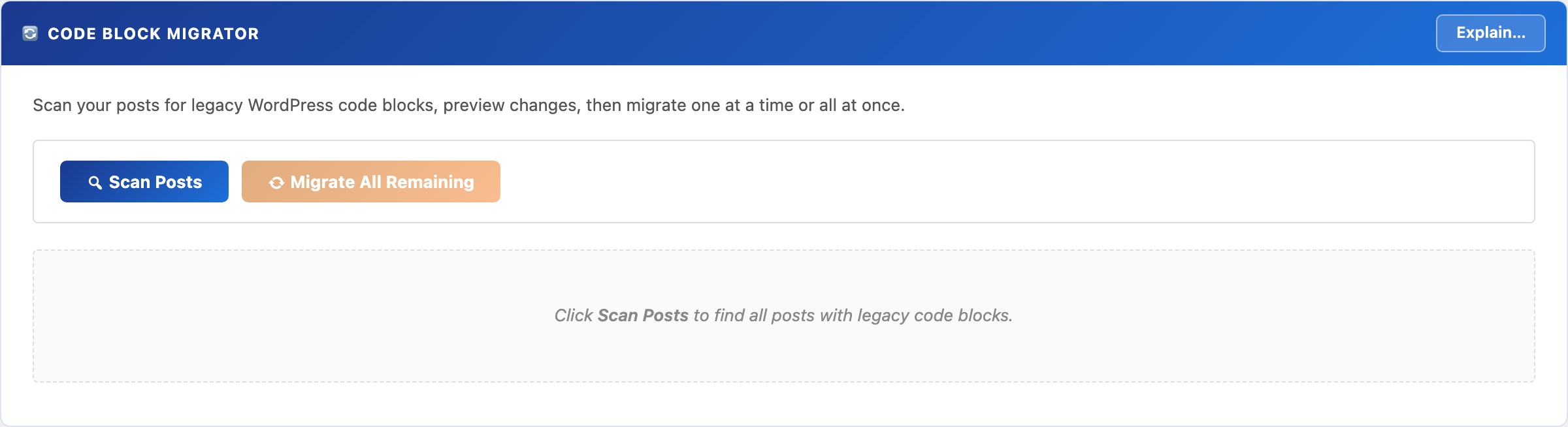
🔄 Switch Plugins Without Touching 100 Posts by Hand
Switching code highlighting plugins normally means opening every post, finding the old block or shortcode, deleting it, re-inserting the new one, and republishing, for every single post on your site. On a blog with 100 posts, that’s hours of tedious work with plenty of room for mistakes.
No other free WordPress plugin offers automated batch migration from multiple source formats with a preview step before committing. CloudScale does it in three clicks: Scan, Preview, Migrate All.
The Migrator scans your database for posts and pages using any supported legacy format, shows you a precise before/after diff, and converts them all to CloudScale blocks in a single operation.
Supported source formats:
- WordPress core
<!-- wp:code -->and<!-- wp:preformatted -->blocks - Code Syntax Block plugin (
<!-- wp:code-syntax-block/code -->) - Legacy shortcodes:
[code],[sourcecode], and common variants
Workflow:
- Scan: finds every post and page with supported blocks. Shows title, status, date, and block count.
- Preview: shows the exact before/after content diff per post. Nothing is written to the database at this stage.
- Migrate: convert one post at a time, or migrate everything in a single click.
⚠ The migrator writes directly to post_content. Always take a database backup first. Use the CloudScale Backup & Restore plugin for a one-click snapshot before you begin.