← CloudScale Plugin Help/CloudScale Cyber and Devtools: Free WordPress Security, AI Penetration Testing & Developer Toolkit
Emergency Lockdown
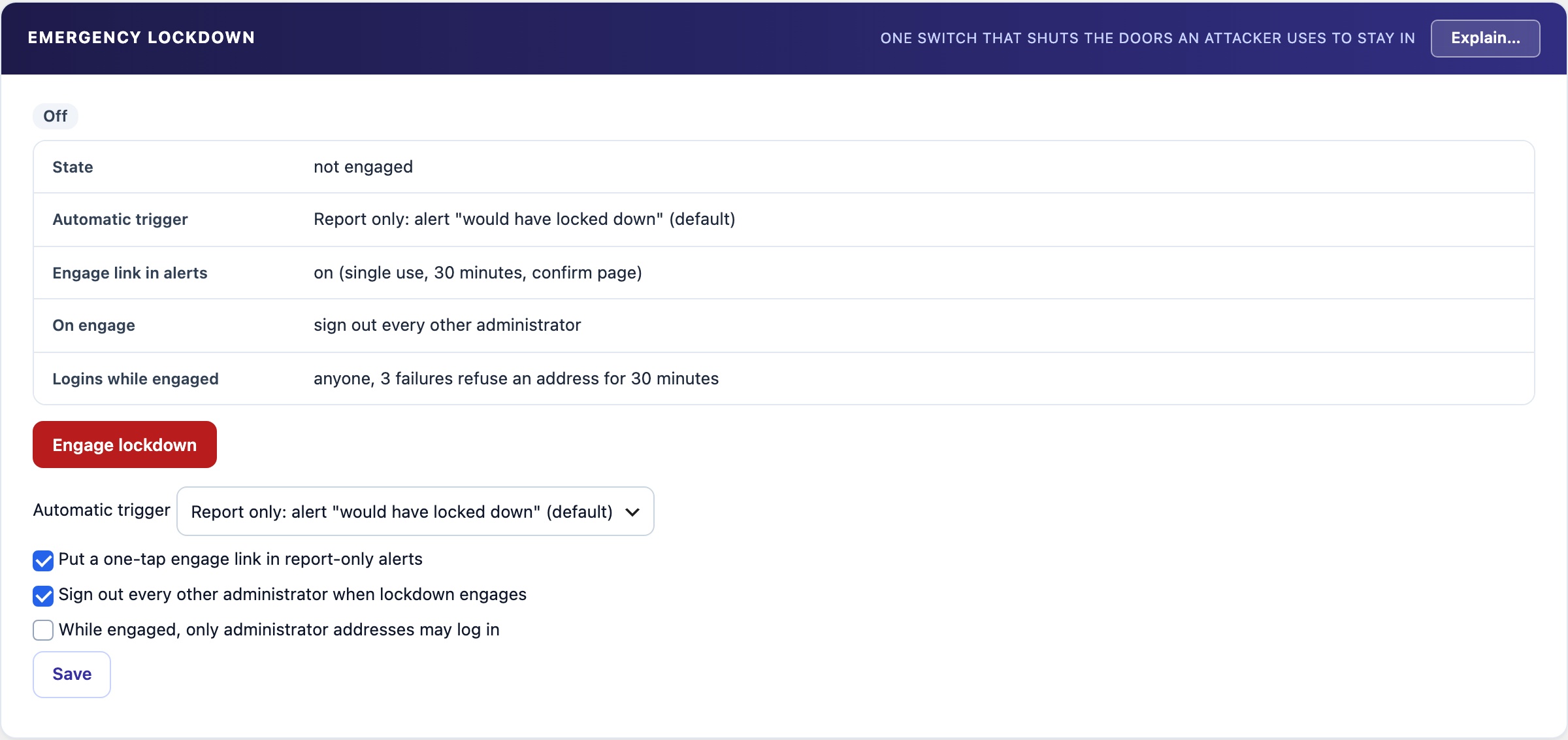
One switch for a suspected break-in. While it is on, nobody can gain administrator rights, and plugins and themes cannot be installed, updated, edited, activated or switched. The site stays online for visitors. You are never locked out, and Release always works. Off until you engage it; the automatic trigger only reports by default.
🔒 One Switch When You Think Someone Is In
An administrator you did not create, a plugin you did not install, a file that changed by itself. Emergency Lockdown stops the changes that make a break-in permanent while you investigate. The site stays online for visitors, and you can start it from your phone.
What Is Frozen While It Is On
These rules apply to web requests. WP-CLI is never restricted.
- Registration. New user registration reads as off. Switching it on, or changing the default role, is refused.
- Higher rights. Nobody can be given administrator or other high rights. No new users can be added. This holds even for code that sets the role directly. Changes to role definitions and new multisite super admins are refused too.
- Plugins and themes. No install, upload, update, edit or activation. No theme switch. The install screens, the plugin and theme file editors and the add-user screen answer 403.
- REST and AJAX. Plugin and theme writes, user creation and role changes over the REST API are refused. So are WordPress’s own install, update and file-edit AJAX actions.
- Logins without the form. Application passwords and XML-RPC logins are off. Both sign in without the login form, the hidden login page or the second factor.
- Stricter login. 3 failed logins from one address refuse that address for 30 minutes.
- Other administrators signed out. On engage, every other administrator session ends. You stay signed in.
- Every refusal is logged in the Activity Log. Each kind of refusal is logged once per address every 10 minutes, so an attack cannot flood the log.
- A red banner shows on every wp-admin screen for administrators, with a Release button.
What still works, so you can clean up
- Demoting or deleting a user.
- Deactivating or deleting a plugin. Deleting a theme.
- Background updates from WordPress.org. They may be the fix.
You are never locked out
- Release always works. Administrator rights to settings are never removed, so the red banner and the panel can always release it.
- Some addresses are never refused. The address you engaged it from. Every address an administrator logged in from in the last 30 days. The Auto-Block never-block list and its other exemptions.
- From the server.
wp csdt lockdown releasereleases it with no login. - From wp-config.php. Define
CSDT_LOCKDOWN_DISABLEas true and every rule is suspended. The banner says so. - Two-factor and the hidden login page are untouched. So is this plugin.
- Fails open. If anything in a lockdown rule goes wrong, the rule steps aside and the request carries on as normal.
The Automatic Trigger
Two high-confidence signals:
- Administrator rights granted outside the admin screens. By nobody signed in, by a lower role, or by a user promoting themselves. An administrator promoting someone else is not a signal, and nor is WP-CLI.
- A new or changed must-use plugin. A file in mu-plugins runs on every request with no activation step. The plugin’s own heartbeat loader is not counted.
What a signal does depends on the setting:
- Off. Nothing.
- Report only (default). It records the signal and sends an alert that lockdown would have engaged. Nothing is locked. The same signal alerts at most once an hour.
- Enforce. It engages lockdown and alerts.
A standby copy never engages by itself.
The engage link in alerts
A report-only alert, by Telegram or email, carries a link that engages lockdown from your phone.
- Signed and single use. It works once, then says it was already used.
- Expires after 30 minutes.
- Opening it only shows a confirm page. Lockdown engages only when you press Engage lockdown now on that page. Telegram link previews and mail scanners only open pages, so they cannot engage it.
- Release is never possible from the link or from Telegram. Only in wp-admin, from the banner or the panel.
- A standby copy refuses the link.
Engaged from the link, there is no current session to keep, so every administrator is signed out. Log in again with your password and second factor. The address that confirmed the link is never refused.
Settings
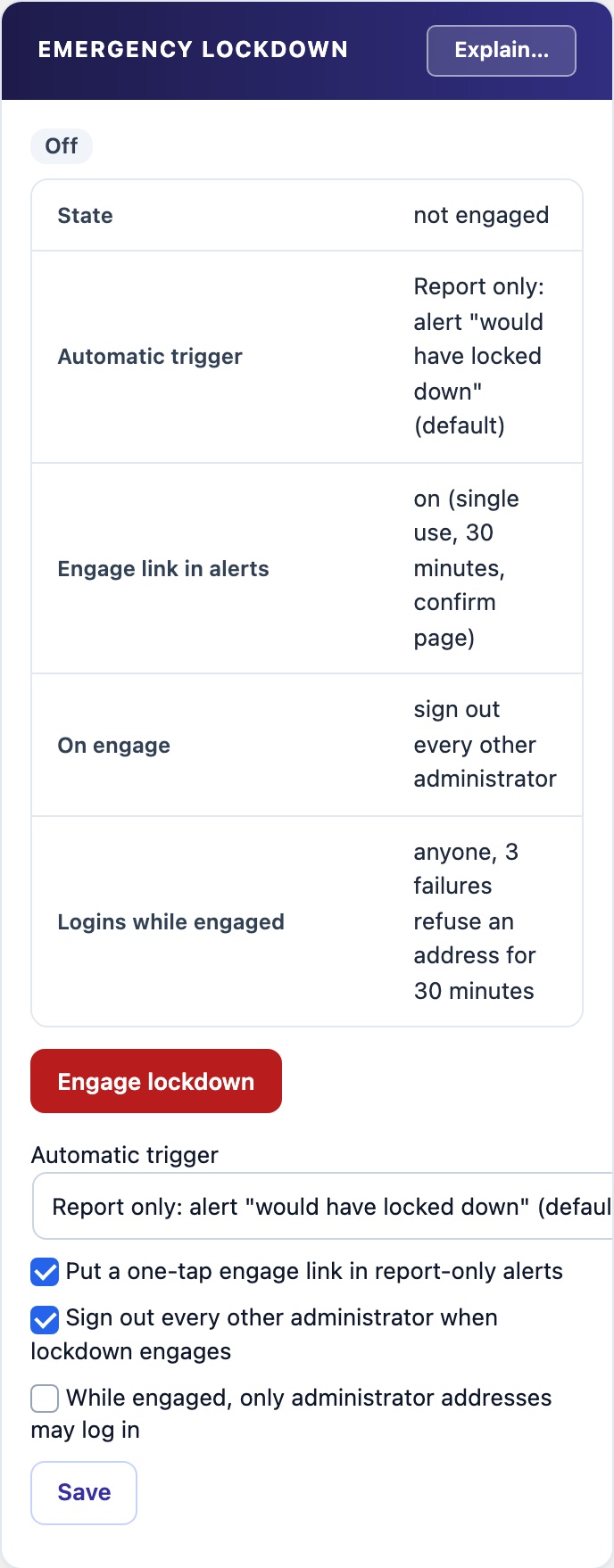
- Automatic trigger. Off, Report only or Enforce. Default: Report only.
- Put a one-tap engage link in report-only alerts. Default: on.
- Sign out every other administrator when lockdown engages. Default: on.
- While engaged, only administrator addresses may log in. Default: off. Leave it off if you travel or your address changes often.
Engage lockdown switches it on. Release lockdown switches it off and lifts every rule. The panel shows the current state and the last 10 events: engaged, released and would have engaged.