← CloudScale Plugin Help/CloudScale Cyber and Devtools: Free WordPress Security, AI Penetration Testing & Developer Toolkit
Live Traffic
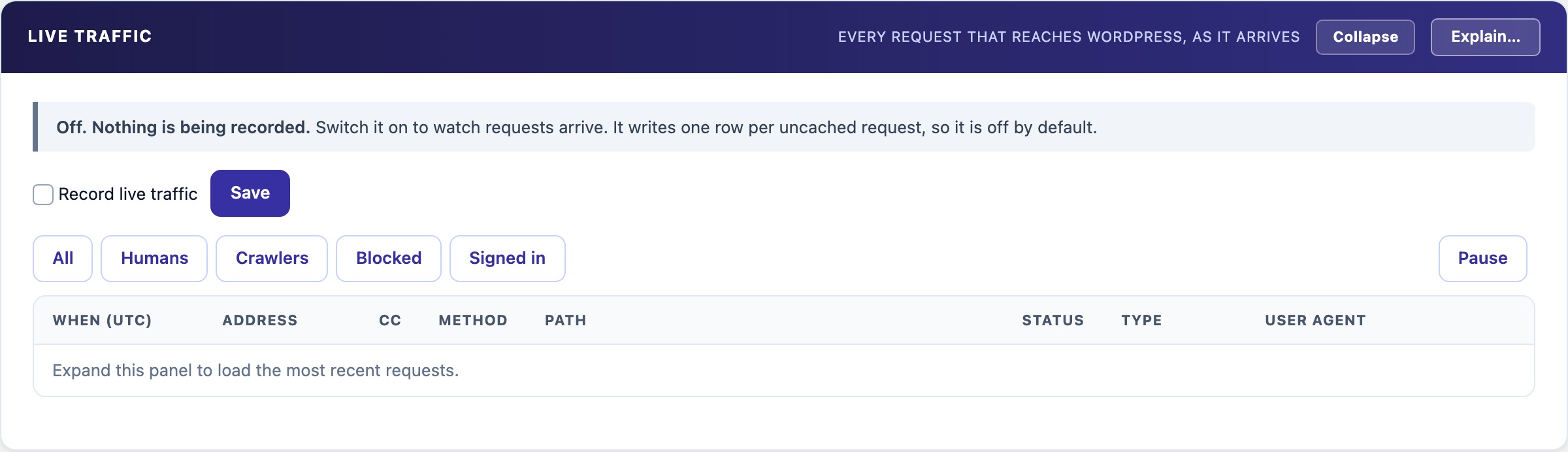
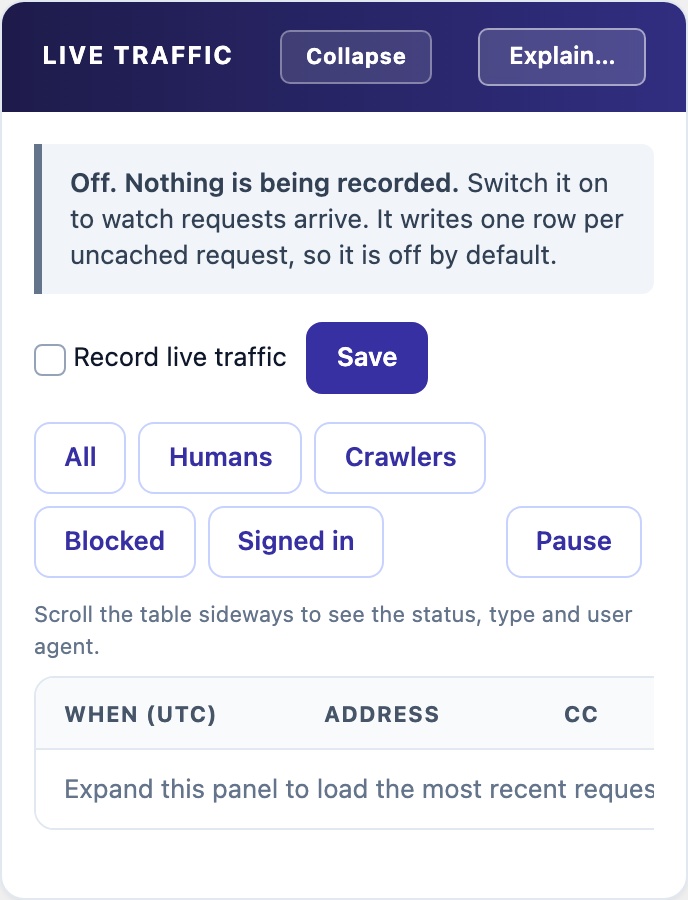
Watch the requests reaching WordPress as they arrive: people, crawlers, blocked requests and signed-in users, with filters, pause and a refresh every five seconds while the panel is open. Off by default. It never stores a query string, request body, cookie or referrer.
📡 See What Is Hitting the Site Right Now
Recent Matches shows what a rule caught. Live Traffic shows everything else: the scanner walking your URLs before it trips anything, the crawler that never stops, the burst against one endpoint. Switch it on while you investigate, and off again afterwards.
What Each Row Holds
Time, address, country (from Cloudflare when present), method, path without its query string, HTTP status, the first 200 characters of the user agent, and the user if signed in. Never the query string, the body, cookies or the referrer, which is where passwords, tokens and personal data travel.
Rows are labelled Human, Crawler (from the user agent, so a scanner pretending to be a browser reads as human) or Blocked (answered 403 or 429). Filter chips narrow the feed, and Pause freezes it while you read.
What it costs, and what it cannot see
- Off, it costs one setting read per request. On, one database row per request, written after the response has been sent.
- Bounded. Kept for 24 hours and never more than 20,000 rows, oldest first. The cap holds even if scheduled tasks stop running. Uninstall drops the table.
- Cached pages never reach WordPress. A page served by Cloudflare, nginx or a caching plugin is not shown, so on a cached site most anonymous page views will not appear. What does appear is what reached PHP: logins, AJAX, REST, form posts and cache misses, which is where attacks land.
- Left out on purpose: WP-CLI, scheduled tasks, the admin heartbeat, the panel’s own refresh, the site calling its own REST API, and static files.