← CloudScale Plugin Help/CloudScale Cyber and Devtools: Free WordPress Security, AI Penetration Testing & Developer Toolkit
Malicious-Network Blocklist
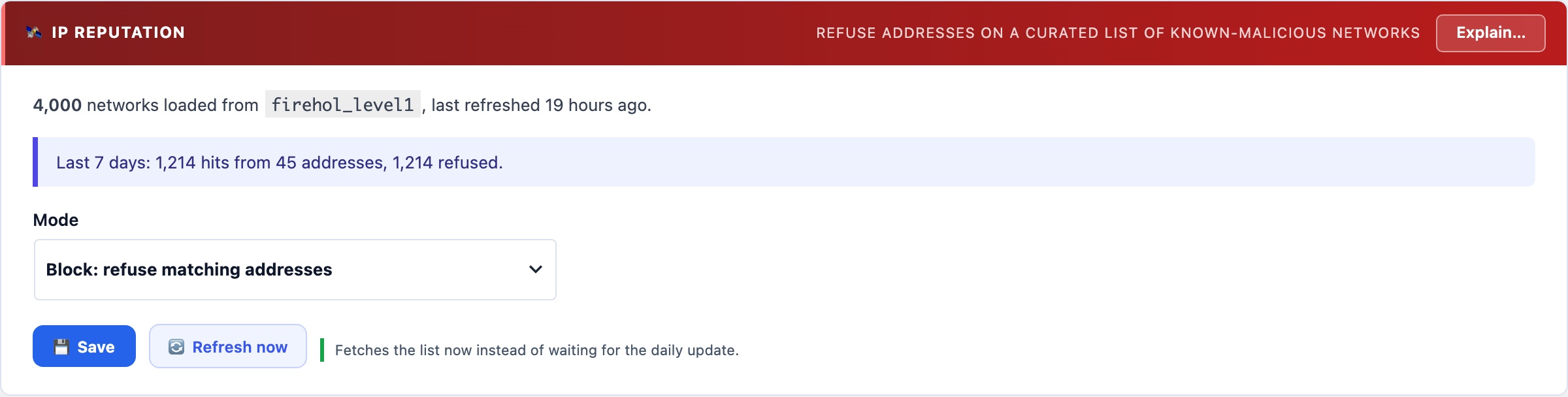
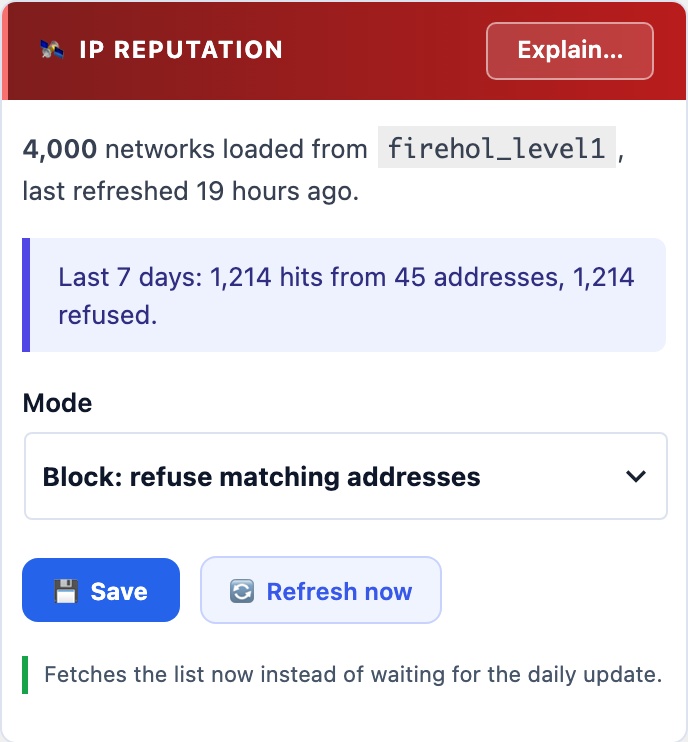
Refuses visitors from networks already known to be hijacked or run for abuse, using FireHOL level1, which merges Spamhaus DROP and EDROP with other public feeds. Refreshed daily into your own database and checked locally, so no visitor ever waits on an outside service. Free, where Wordfence keeps its blocklist for Premium.
🌐 Some Addresses Are the Attack
The firewall reads what a request carries. This reads where it comes from: networks already known to be hijacked, used for malware, or run for abuse. A request from one of them is refused before it carries anything at all.
The List
FireHOL’s level1 netset, which merges Spamhaus DROP and EDROP with several other public feeds. It is fetched once by CloudScale’s service and shared by every site, then pulled into your own database by a daily background job.
Checking a visitor is a local comparison against that copy. Nothing waits on an outside service while a visitor is on the page, and if a refresh ever fails, the previous list keeps working rather than the feature going blind.
Free. Wordfence keeps its IP blocklist for Premium subscribers.
Safe to turn on. It starts in Log only. Switching to Block is refused, by name, if your own address is on the list, which is most often a shared-hosting address left there by a previous tenant. Signed-in administrators are never refused in any mode.