← CloudScale Plugin Help/CloudScale Cyber and Devtools: Free WordPress Security, AI Penetration Testing & Developer Toolkit
Country Blocking
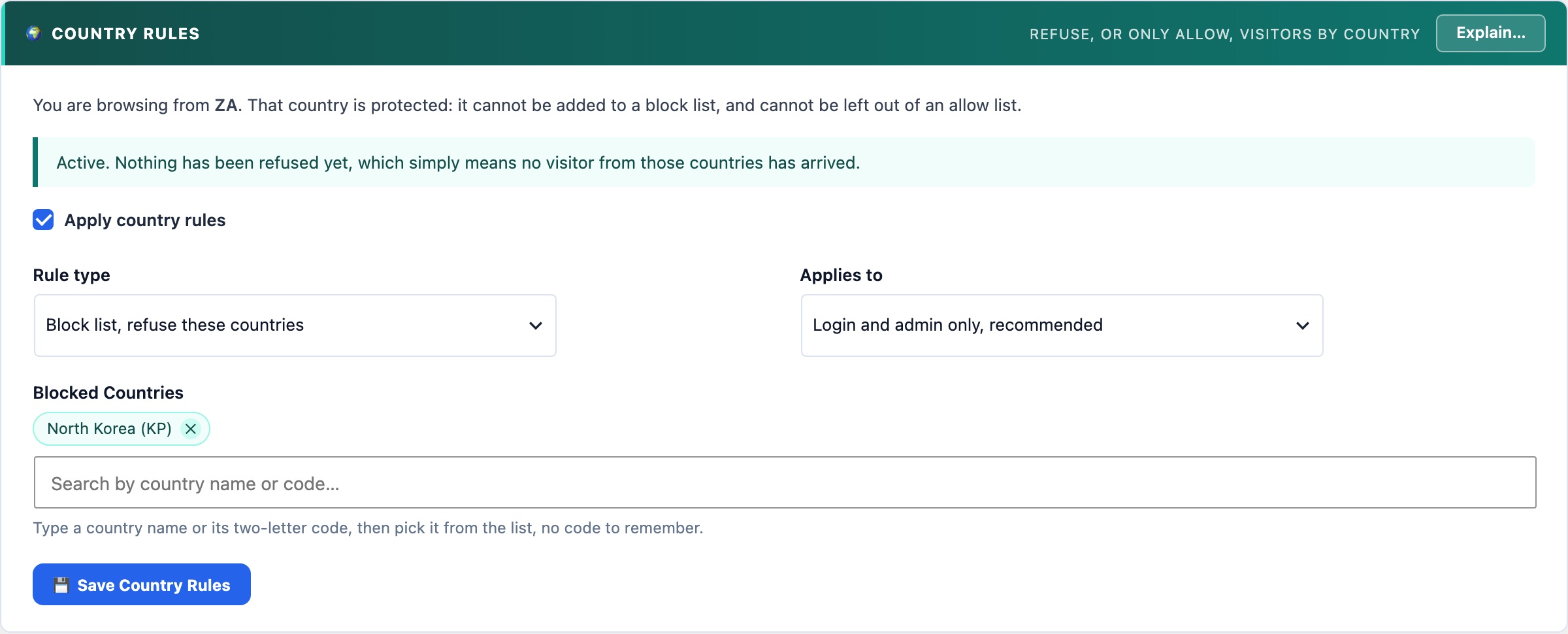
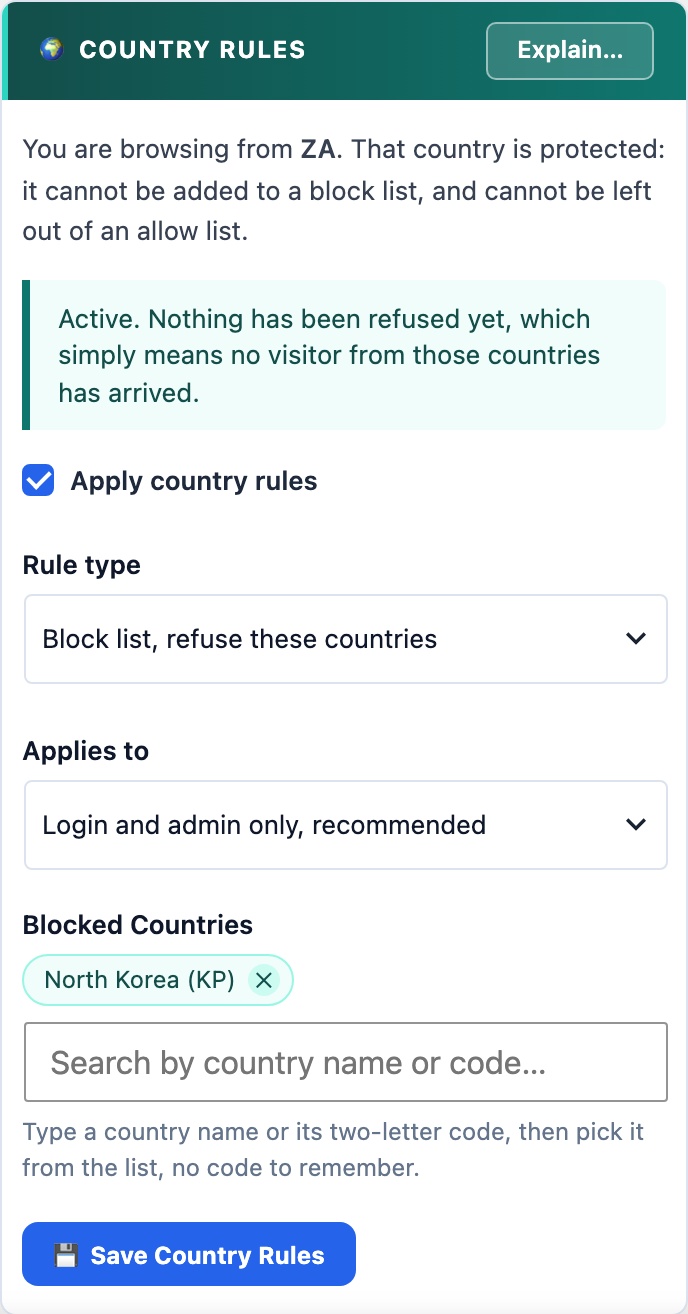
Refuses visitors by country, as a block list or an allow list, for the login and admin area only or for the whole site. Country comes from Cloudflare at no cost, with a bundled database as the fallback. Guards stop you blocking the country you are browsing from, and an unknown country is always allowed. Free, where Wordfence keeps it for Premium.
🗺️ Remove the Noise Cheaply
Most automated attacks on a typical site come from a handful of countries its readers never visit from. A country rule removes that traffic before it costs anything, and it is free.
Choices
- Block list refuses the countries you name and allows everyone else. The safer choice and the default: a mistake affects one country.
- Allow list refuses everyone except the countries you name. Much stronger, for a site serving one region.
- Login and admin only covers the login page, your hidden login URL, xmlrpc.php, admin-ajax.php, admin-post.php and everything under
/wp-admin/. Your public pages stay reachable from everywhere, so readers and search engines are unaffected. Recommended. - Whole site refuses every request from a blocked country.
The country comes from Cloudflare’s CF-IPCountry header at no cost, with a bundled DB-IP Lite database as the fallback. A visitor whose country cannot be determined is always allowed.
You cannot lock yourself out by accident
- Signed-in administrators are never refused.
- The country you are browsing from cannot be added to a block list, and cannot be left out of an allow list.
- Your own server is never refused, and WP-CLI and scheduled tasks are never checked.
A country rule is a filter, not a wall: a determined attacker uses a VPN in a permitted country. It is worth having because it removes a large amount of automated noise for nothing.