← CloudScale Plugin Help/CloudScale Cyber and Devtools: Free WordPress Security, AI Penetration Testing & Developer Toolkit
Edge WAF Push
A block in WordPress still costs a PHP worker for every request. Edge WAF Push copies the worst blocks to Cloudflare as IP Access Rules, so those addresses are refused at the edge and never reach your server. When a block ends here, the rule is removed there. Off by default, and it starts in Dry run.
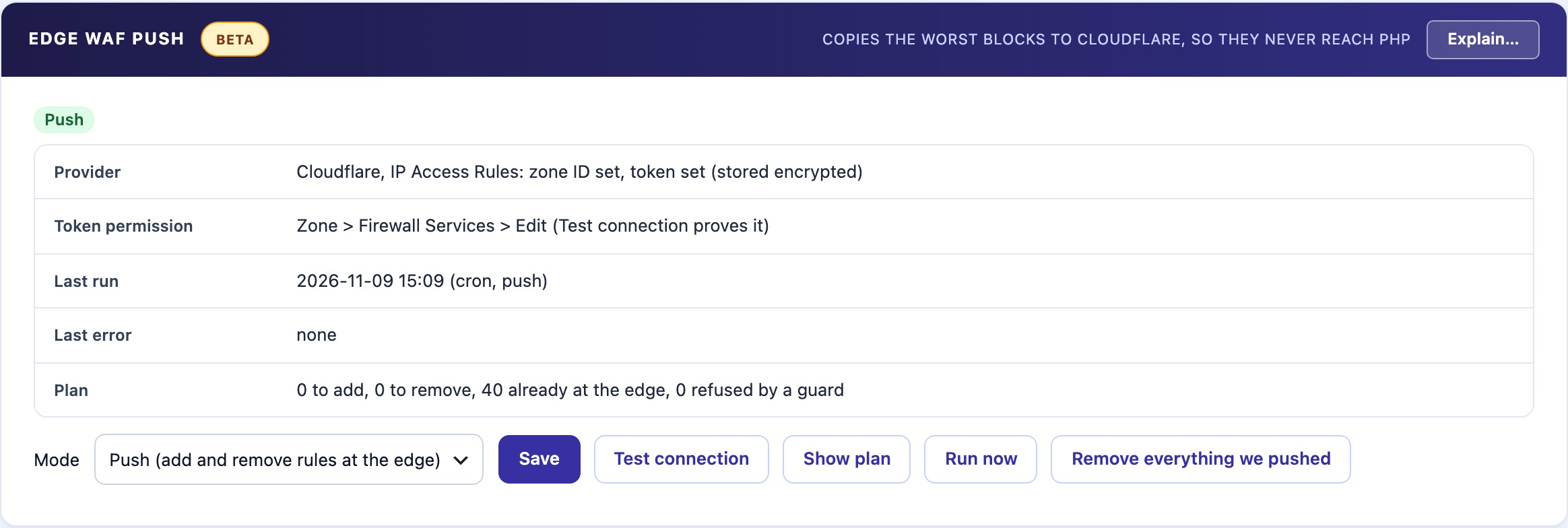
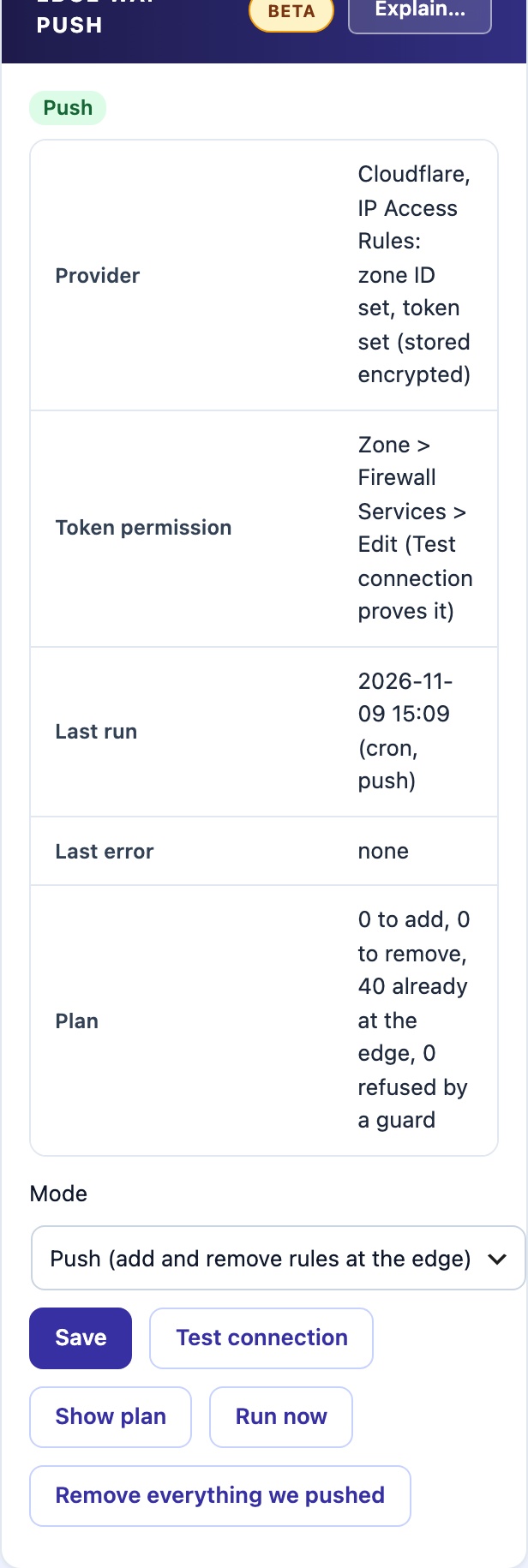
☁️ Refuse the Worst Attackers Before They Reach PHP
A block in WordPress still costs a PHP worker for every request: the address reaches your server, PHP starts, and the plugin refuses it. Pushed to Cloudflare as an IP Access Rule, the same request is refused at the edge and never reaches your server.
What Is Pushed
Only addresses that are blocked on this site now, and that are one of these:
- Blocked by hand.
- A repeat offender: its second automatic block or later.
- Blocked for a firewall attack while the firewall is in Block mode.
- A proven fake crawler while the Fake Crawler Check is in Block mode.
The newest 200 are pushed. When a block ends here, the next run removes the rule at the edge.
What is never pushed
These are checked on every run, whatever the block list says. The plan lists each refusal with its reason.
- An address an administrator signed in from in the last 30 days. It is stored as a hash, not as the address.
- The Auto-Block never-block list and its other exemptions.
- Private, loopback, link-local and reserved address ranges.
- Cloudflare’s own ranges and your trusted proxies.
- This site’s own server address, and your own address when you run it.
Modes
- Off (default). No calls to Cloudflare and nothing scheduled.
- Dry run. Every 5 minutes it reads our rules at Cloudflare and shows the plan: to add, to remove, already at the edge, and refused by a guard. It changes nothing. Switching on from Off always starts here, even if you chose Push.
- Push. Every 5 minutes it adds the missing rules and removes the ones no longer needed. At most 20 changes a run; the rest wait for the next run.
Show plan shows the plan without changing anything. Run now runs one pass straight away, and writes only in Push.
Your other rules are safe
Each rule this plugin adds carries a note that starts with csdt: and a short code for this site. Rules without that exact mark are never changed or deleted, even for the same address. That covers your own rules, another tool’s, and another site’s rules on the same zone.
Switching it off
Switching from Push to Off stops new pushes and leaves the rules already at the edge in place. Remove everything we pushed takes them away. It removes up to 50 of our rules per click; click again for the rest. It is never done automatically.
Setup
- Save a Cloudflare zone ID and API token on the Images tab, in Cloudflare Cache Purge. Edge WAF Push uses the same zone ID and token.
- The token needs the permission Zone > Firewall Services > Edit.
- Click Test connection. It lists the rules, then adds one rule for the documentation address 192.0.2.1 and removes it at once. That proves the token can read, add and remove rules.
- Choose Dry run and save. Read the plan, then choose Push.
Built for a bad day
- Token stored encrypted. The Cloudflare API token is kept encrypted on your site. The panels show only whether it is set, never the token itself.
- Errors stop the run. A Cloudflare error is shown in the panel in Cloudflare’s own words, and alerts at most once an hour while it continues.
- Fails open. If the block lists cannot be read, nothing at the edge is changed.
- A standby copy never pushes. It never changes the edge.
- Never on a visitor’s request. Runs come from the schedule or the panel buttons only.