← CloudScale Plugin Help/CloudScale Cyber and Devtools: Free WordPress Security, AI Penetration Testing & Developer Toolkit
Comment Guard
Treats the comment form as the attack surface it is. Bots are caught by a hidden field, a posting speed no person can match and a per-address rate cap; the firewall’s rules run over the comment text itself. Any of them sends the comment to Spam and blocks the sender from the whole site on the first offence, with a Telegram alert.
💬 A Bad Comment Is an Attack
Comment forms are one of the few places on a WordPress site where an anonymous stranger can write straight into your database. The Comment Guard treats them that way: a bot or an attack payload sends the comment to Spam and blocks the sender from the whole site on the first offence.
Two Questions, One Answer
Did a person write it? Three checks, none of which a person can fail:
- A hidden field. The comment form carries a field that is off-screen, hidden from screen readers and out of the tab order, with autofill switched off. A person never fills it. A bot that fills every field it finds does.
- Speed. The form records when it was served. A comment posted less than 3 seconds later was not typed.
- Rate. More than 5 comments from one address in 10 minutes.
Does it carry an attack? The comment text, name and website are run through the firewall’s own rules, so a script element, an event handler, a javascript: link, SQL injection, code execution or a serialized PHP object is caught wherever it appears, encoded or not.
What happens on the first bad comment
- The comment goes to Spam, never published, and the Comments screen says exactly why.
- The address is blocked from the whole site by Automatic IP Blocking: one comment attack is the threshold. Repeat offenders are banned for longer, from an hour to a week.
- You get the Telegram block alert, on whatever bundling you have chosen for blocks.
- A payload match adds a
blockedrow to the firewall’s Recent Matches, under the rule name prefixed withcomment_.
Automatic IP Blocking’s never-block rules still apply: your own address while signed in, any address with a live administrator session, and your allowlist are never blocked. Signed-in users who can write posts are not screened at all.
The trade, stated plainly. A reader who pastes a live attack string into a comment to ask how it works is blocked like an attacker. A reader who describes the attack in words is not: “is SQL injection still a risk?” is published normally.
Page caching is safe. A cached page carries an older timestamp, which can only make a comment look slower, never faster.
Requiring the comment form (optional)
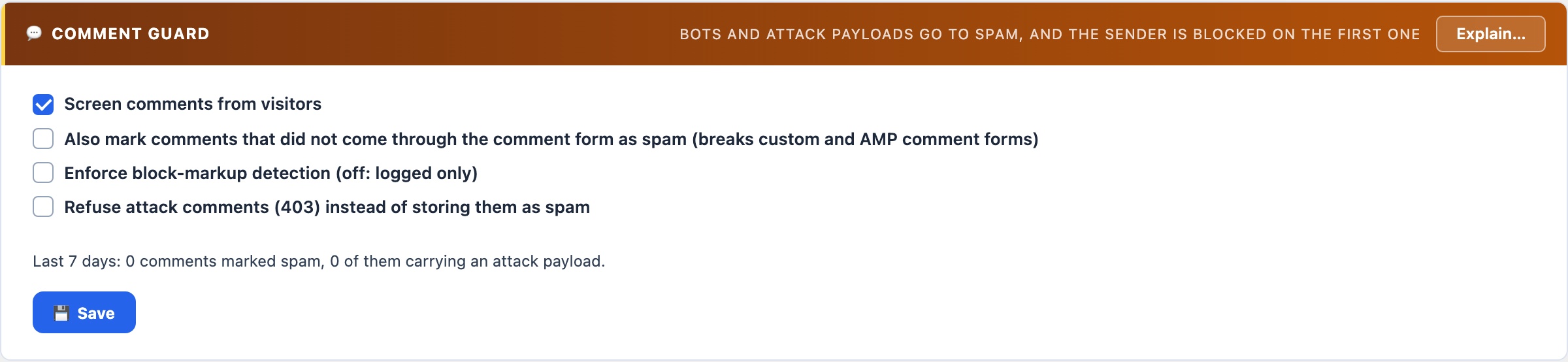
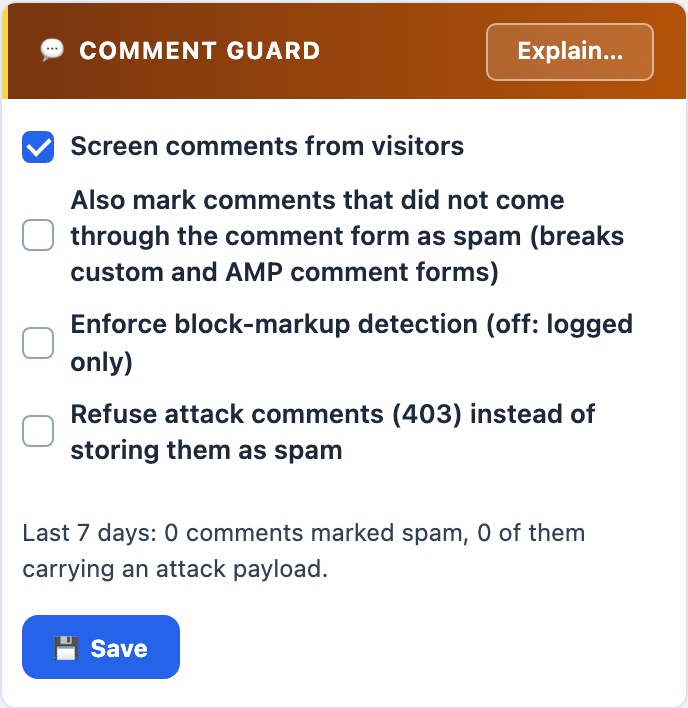
A comment form your theme builds by hand, rather than with WordPress’s comment_form(), carries neither the hidden field nor the timestamp, so by default their absence is never held against a comment. A bot posting straight to wp-comments-post.php therefore skips the first two checks; the rate cap and the attack check still apply. If your comments all come through WordPress’s own form, tick Also mark comments that did not come through the comment form as spam to close that gap. Comments caught only by that setting go to Spam but are never counted as attacks, so a custom form cannot get your readers blocked.
Related: themes that print comments raw
The AI Cyber Audit’s code scan includes your active theme, and reports any theme or plugin that prints comment text straight from the database instead of through comment_text() or an escaping function. Such a theme skips every display filter, so a comment that reached the database by any route that bypassed WordPress’s own cleaning is shown to every reader as-is.