← CloudScale Plugin Help/CloudScale Cyber and Devtools: Free WordPress Security, AI Penetration Testing & Developer Toolkit
Attack Origins Map
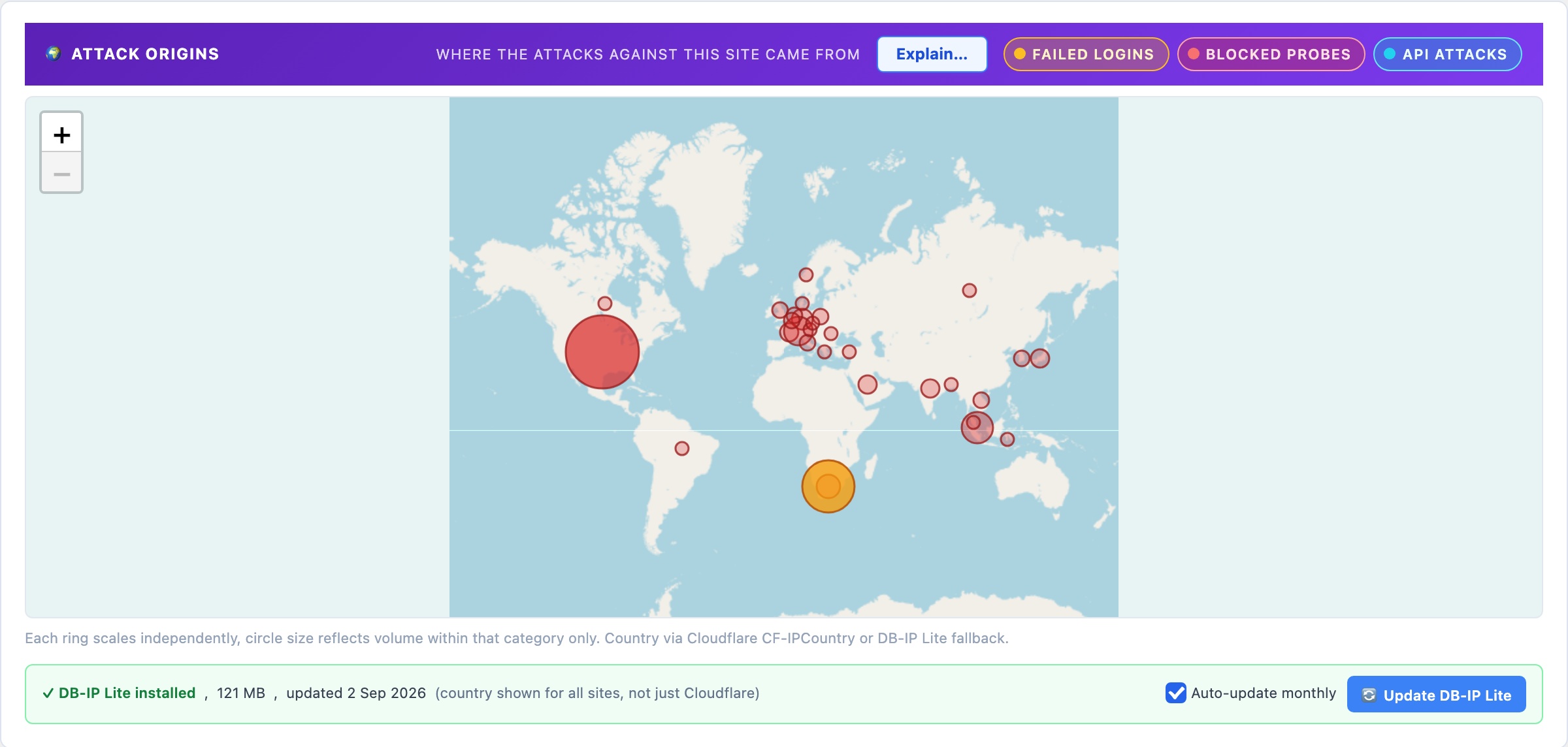
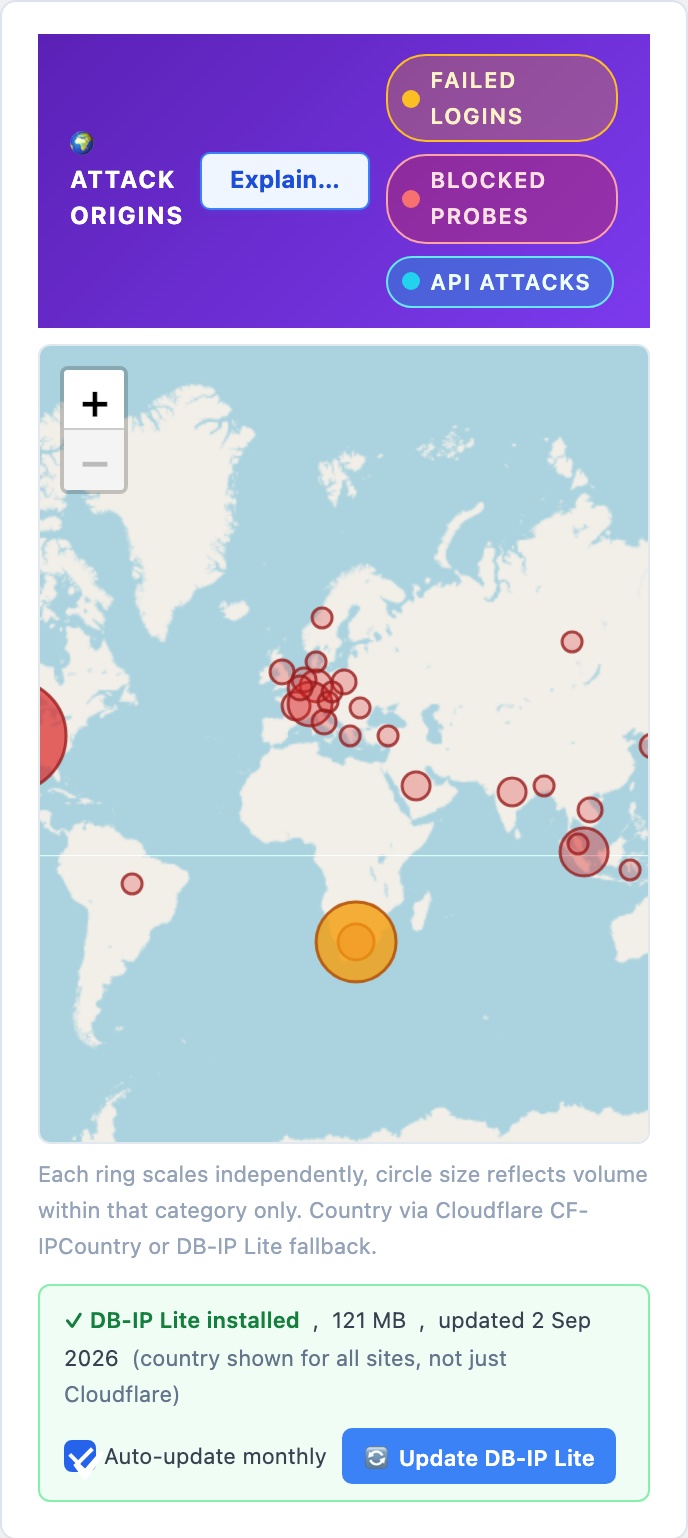
A world map of where the attacks on your site actually came from, drawn from your own logs. Amber circles are failed logins, red are blocked wp-login.php probes, violet are API attacks, and each layer can be toggled on and off. Country comes from Cloudflare’s CF-IPCountry header, with a bundled DB-IP Lite database as the fallback so the map works on sites that are not behind Cloudflare.
🌍 Your Site, Under Attack, On A Map
Every other panel in this plugin describes a setting. This one describes reality: the countries that attacked your site, plotted from your logs, with no external service involved. It is the fastest way to understand why the rest of the plugin exists, which is why it is the first thing documented here.
The Three Layers
Each circle is one country, and its size reflects the volume of events from that country. The three layers are toggled independently with the chips in the panel header:
- Failed Logins (amber), a username and password were actually submitted to your login form and rejected. Last 14 days.
- Blocked Probes (red), requests to
wp-login.phpthat never reached a login form because Hide Login URL had already moved it. Last 7 days. - API Attacks (violet), failed authentication against the REST API and XML-RPC endpoints. Last 14 days.
Each ring scales independently. A circle’s size only tells you the volume within its own layer, so a large amber circle and a small red one are not comparable to each other. This is deliberate: three layers on one shared scale would flatten the two smaller ones into invisibility on any site where one attack type dominates, which is most sites.
Where The Country Comes From
Two sources, tried in order. If your site sits behind Cloudflare, the CF-IPCountry header is already on every request and is used directly. If it is not, the plugin falls back to a local DB-IP Lite city database stored at wp-content/uploads/csdt-geo/dbip-city-lite.mmdb, so the map works the same on a plain host.
The status row under the map tells you which situation you are in. With DB-IP Lite installed you get country resolution for all visitors, not just Cloudflare-proxied ones. It is a free monthly download from db-ip.com, and Auto-update monthly (on by default) keeps it current via WP-Cron; Update DB-IP Lite fetches this month’s file immediately.
No IP address, and no request of any kind, leaves your server to produce this map. The lookup is a local file read.
How to read it, and what not to do. Heavy concentration from one or two countries is normal rather than alarming, most automated attack traffic originates from a small number of hosting regions, and the map is showing you where the cheap servers are as much as where the attackers are. Treat it as situational awareness. Do not use it as a reason to block by country: the same regions host legitimate visitors, customers and search engine crawlers, and a country block is a blunt instrument that costs you real traffic to stop attacks that Hide Login URL, 2FA and automatic IP blocking already stop precisely.