← CloudScale Plugin Help/CloudScale Cyber and Devtools: Free WordPress Security, AI Penetration Testing & Developer Toolkit
Activity Log
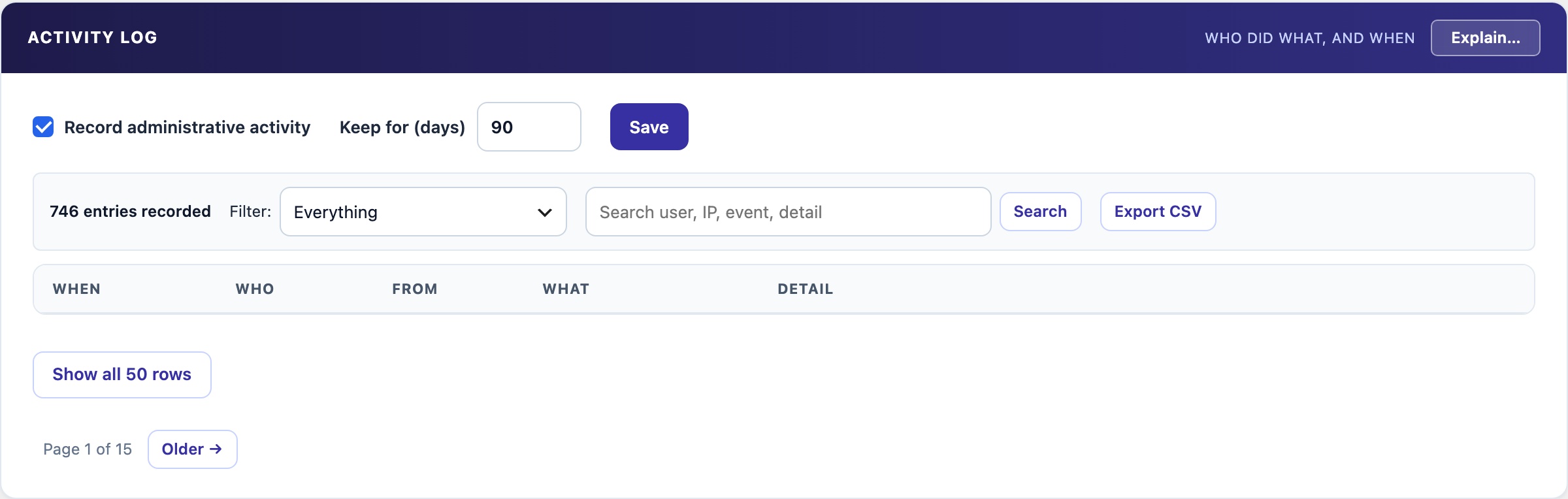
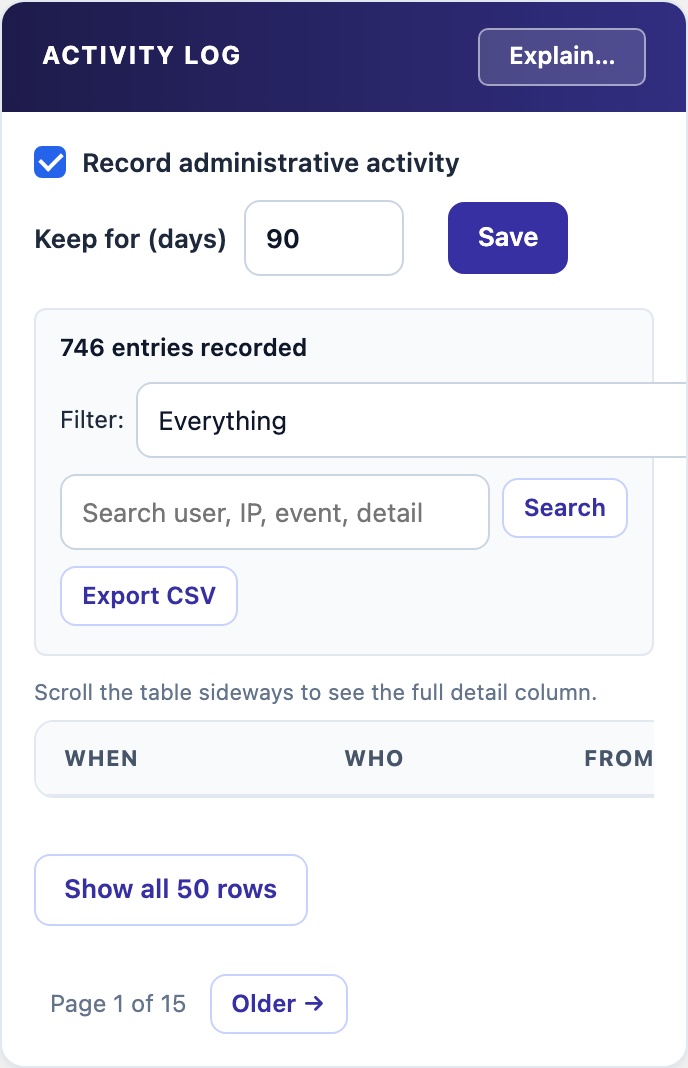
Records who did what, and when: sign-ins, user and role changes, plugin and theme changes, updates, use of the file editor, and changes to security settings. Search by user, IP, event or detail across every page, narrow it with the event filter, and export what you see as CSV.
📜 Who Did What, and When
Every other check answers what is wrong now. After an incident the question is how it got that way. The Activity Log tells you which account made a change, from which address, and what else that account did around the same time.
What Is Recorded
- Sign-ins and failed sign-ins.
- Users created and deleted, role changes and password resets.
- Plugins activated, deactivated and deleted; themes switched and deleted; installs and updates.
- Use of the dashboard file editor.
- Changes to a chosen list of security settings. Only the fact of the change is kept, never the value, because some of those settings are secrets.
Post and page edits are not logged; WordPress already keeps revisions for those. Changes made outside PHP, such as a direct database edit or a file changed over SSH, cannot be seen by this or any other activity log.
Search, filter and export
- Search matches the user, IP address, event, object and detail of every entry, across every page of the log, not only the page on screen.
- The event filter and the search work together. Pick an event type, then search within it.
- Export CSV exports what the panel shows: the same filter and the same search.
- Use the cross in the search box to clear it. If nothing matches, the panel says so.
Where to fix this
A Site Audit finding that this plugin can help with has a Where to fix this link. It opens the right tab, expands the panel if it is collapsed, scrolls to it and outlines it for two seconds, so you do not have to hunt down a long tab. The finding’s fix text names the same tab and panel as the link. Audit findings that name posts link to each post’s view and edit screens.
Built to last
- Kept for 90 days by default, with a hard limit of 50,000 entries. The limit still holds if scheduled tasks stop running.
- Never merged. Three role changes stay three entries, so the sequence is kept.
- Names are kept as text. An entry still says who a user was after that user is deleted.
- Switch and retention sit on one line at the top: Record administrative activity, Keep for (days) and Save.