← CloudScale Plugin Help/CloudScale Cyber and Devtools: Free WordPress Security, AI Penetration Testing & Developer Toolkit
Active Vulnerability Verification
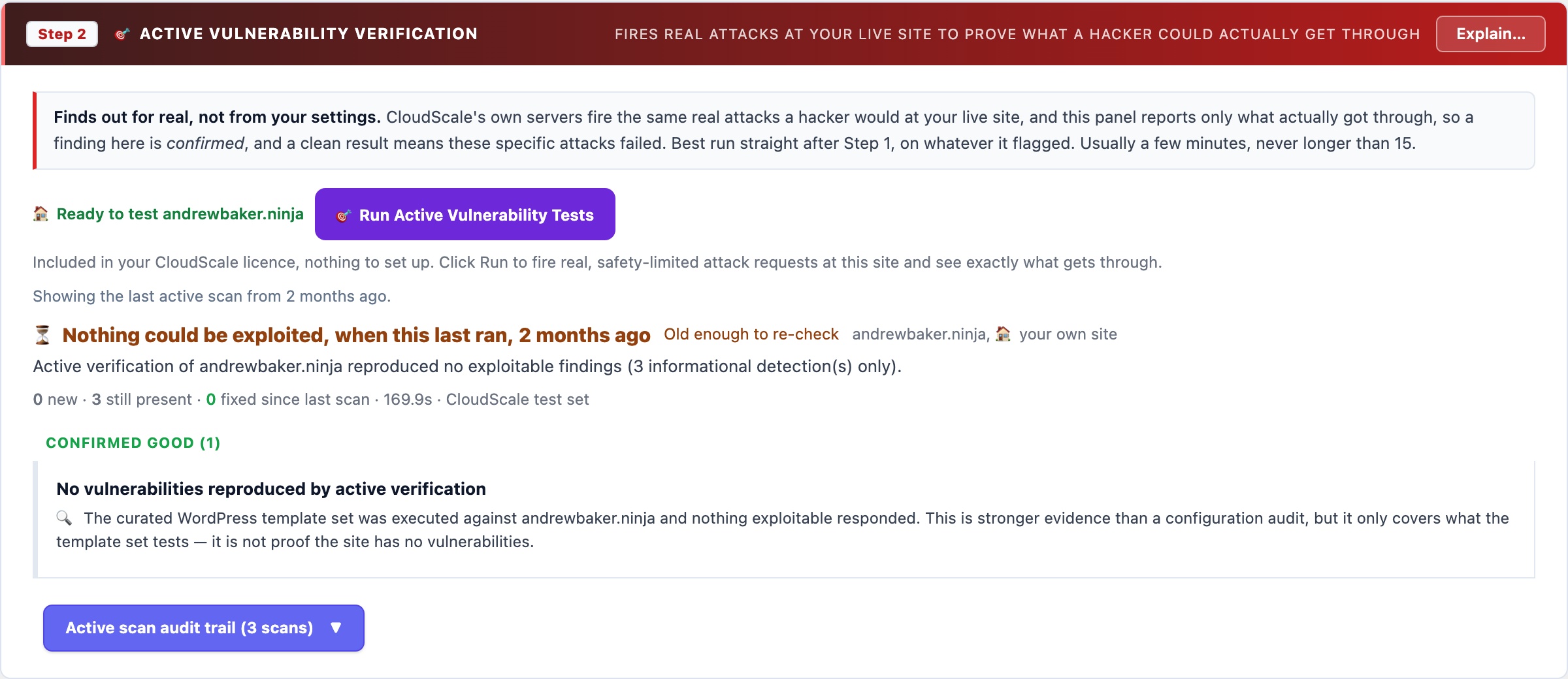
Every other scan in the plugin is passive: it infers exposure from configuration and version numbers. This one is active, it sends the requests that prove whether a vulnerability is actually reachable, using a pinned, curated CloudScale template set executed from CloudScale infrastructure. Domain ownership is verified broker-side on every scan and destructive template categories are excluded.
🎯 Proof, Not Inference
Passive scanning tells you a vulnerability is probable: your plugin reports version 2.1, the CVE database says 2.1 is vulnerable, so you get a finding. That is version matching, and it is wrong often enough to matter, because a backported patch, a WAF rule, or a disabled feature can make a “vulnerable” version perfectly safe.
Active verification sends the actual request. It runs a pinned, curated set of CloudScale WordPress templates from CloudScale infrastructure, the same class of active testing a penetration tester performs. A finding here has been reproduced against your live site. This is the single highest-confidence signal the plugin produces, and the AI audit is instructed to let it outrank every conflicting passive inference.
What CloudScale Templates Actually Are
A CloudScale template is a small YAML file describing one specific check: which request to send, and what in the response proves the issue is real. Rather than “this file’s hash matches known malware”, a template says “request /wp-content/plugins/example/ajax.php?action=x, and if the response contains this string, the unauthenticated SQL injection is confirmed”. The community template library holds thousands of these, contributed and reviewed publicly.
The set CloudScale runs is curated and pinned to a known version, not a live pull of everything upstream. That matters for two reasons: a template set that changes underneath you makes scan-to-scan diffs meaningless, and unreviewed templates are exactly how a scanner ends up doing something you did not sanction. The template-set version used for each scan is recorded alongside the result, so a finding is always traceable to the exact checks that produced it.
What the curated set covers
- WordPress core exposures, sensitive endpoints, debug artifacts, and information disclosure reachable without authentication
- Known plugin and theme CVEs, where a template exists to confirm reachability rather than merely match a version string
- Exposed files and backups,
.env,.git/, database dumps, editor swap files, and archive leftovers in the web root - Misconfigurations, directory listing, debug output, permissive CORS, unauthenticated admin or API surfaces
- Transport and header issues, weak TLS configuration and missing or contradictory security headers, confirmed from the outside
What is deliberately excluded
Templates tagged dos, intrusive, fuzz, and brute-force are removed from the set. Nothing in a scan tries to exhaust your resources, guess a password, or write to your site. Request rate is capped, out-of-band interaction callbacks are disabled entirely (so no fragment of your site is sent to a third-party interaction server), and the whole run is terminated at a hard time limit.
Why it runs on CloudScale servers, not inside the plugin
Two reasons, and they both matter. A WordPress plugin that ships a network scanner is an attack tool, and the WordPress.org directory would rightly reject it. And a site cannot meaningfully test itself from the inside; the entire point is to see what an outside attacker sees.
It only ever scans the site your licence is registered to. There is no field for a different target, and no override, to audit another domain, that site needs its own licence.
New / Still Present / Fixed
Each scan is diffed against your previous one. A finding that stops reproducing moves to Fixed, giving you direct evidence a remediation worked rather than just a different score. One that persists is flagged still present. This is the part most scanners get wrong: a score that drifts down tells you nothing about whether the specific thing you fixed is actually fixed.
Honest limits
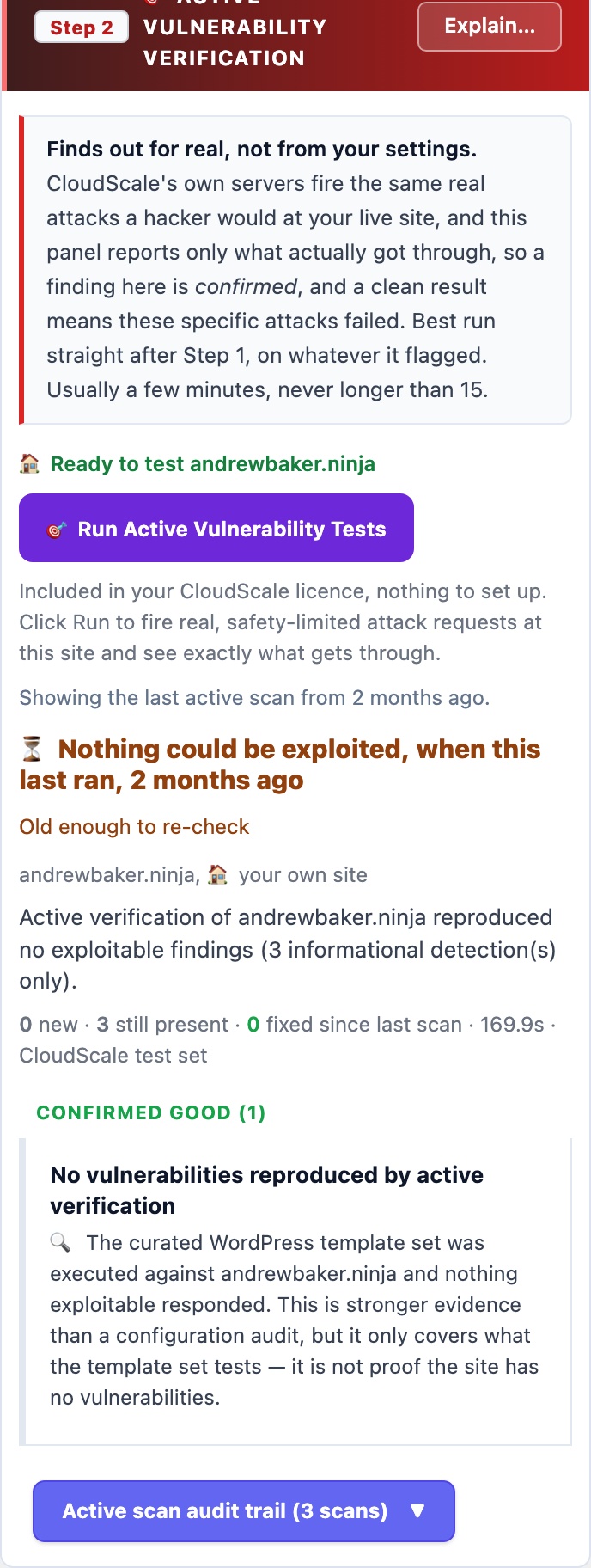
- A clean result means the curated template set found nothing. It is not proof your site has no vulnerabilities.
- If a scan hits its time limit it is marked partial, and absence of a finding in a partial scan proves nothing at all. The AI audit is explicitly instructed never to read a partial scan as an all-clear.
- Scans take 2 to 10 minutes because they make hundreds of real HTTP requests. The run is queued, so you can leave the page and the result will be waiting.
- Scan frequency is limited per licence per day.
- Active verification requires a CloudScale subscription, because it consumes scanning infrastructure rather than your own server’s resources.